javascript
38 lines · 6 steps
Normalizing phone numbers with typed errors
A validator that parses free-form phone input and throws distinct error codes at each failure stage before returning clean formats.
Explained by
highlit
1import { parsePhoneNumberFromString } from 'libphonenumber-js';
2
3export class PhoneValidationError extends Error {
4 constructor(message, code) {
5 super(message);
6 this.name = 'PhoneValidationError';
7 this.code = code;
8 }
9}
10
11export function normalizePhoneNumber(input, defaultCountry = 'US') {
12 if (typeof input !== 'string' || input.trim() === '') {
13 throw new PhoneValidationError('Phone number is required', 'EMPTY');
14 }
15
16 const parsed = parsePhoneNumberFromString(input.trim(), defaultCountry);
17
18 if (!parsed) {
19 throw new PhoneValidationError(
20 `Could not parse "${input}"`,
21 'UNPARSEABLE',
22 );
23 }
24
25 if (!parsed.isValid()) {
26 throw new PhoneValidationError(
27 `"${input}" is not a valid number for ${parsed.country ?? defaultCountry}`,
28 'INVALID',
29 );
30 }
31
32 return {
33 e164: parsed.number,
34 national: parsed.formatNational(),
35 country: parsed.country,
36 type: parsed.getType(),
37 };
38}
01 / 01
STEP 01
‹ swipe to step through ›
Walkthrough
Space play
←→ step
click any line
Three takeaways
- 1A custom Error subclass with a code field lets callers branch on failure type instead of parsing message strings.
- 2Guarding each distinct failure separately produces precise diagnostics rather than one vague error.
- 3Returning a normalized object of multiple formats frees callers from re-formatting the same value.
Related explainers
php
<?php

class NameParser
{
Parsing a full name into components in PHP
string-parsing
arrays
normalization
Intermediate
8 steps
rust
use serde::Deserialize;

#[derive(Debug, Deserialize)]
#[serde(untagged)]
Parsing flexible JSON shapes with serde
deserialization
enums
json
Intermediate
6 steps
ruby
require "shellwords"
require "open3"

module Backup
Building safe shell commands in Ruby
shell-out
subprocess
command-injection
Intermediate
7 steps
php
<?php

namespace App\Services\Checkout;
Validating coupons with Laravel's Pipeline
pipeline
chain of responsibility
transactions
Intermediate
7 steps
javascript
function evaluate(expression) {
  const tokens = tokenize(expression);
  let pos = 0;
Building a recursive descent calculator
parsing
recursion
operator-precedence
Intermediate
8 steps
php
<?php

namespace App\Services;
How a password strength validator works in PHP
validation
regular-expressions
data-driven
Intermediate
8 steps
Share this explainer
Here's the card — post it anywhere.
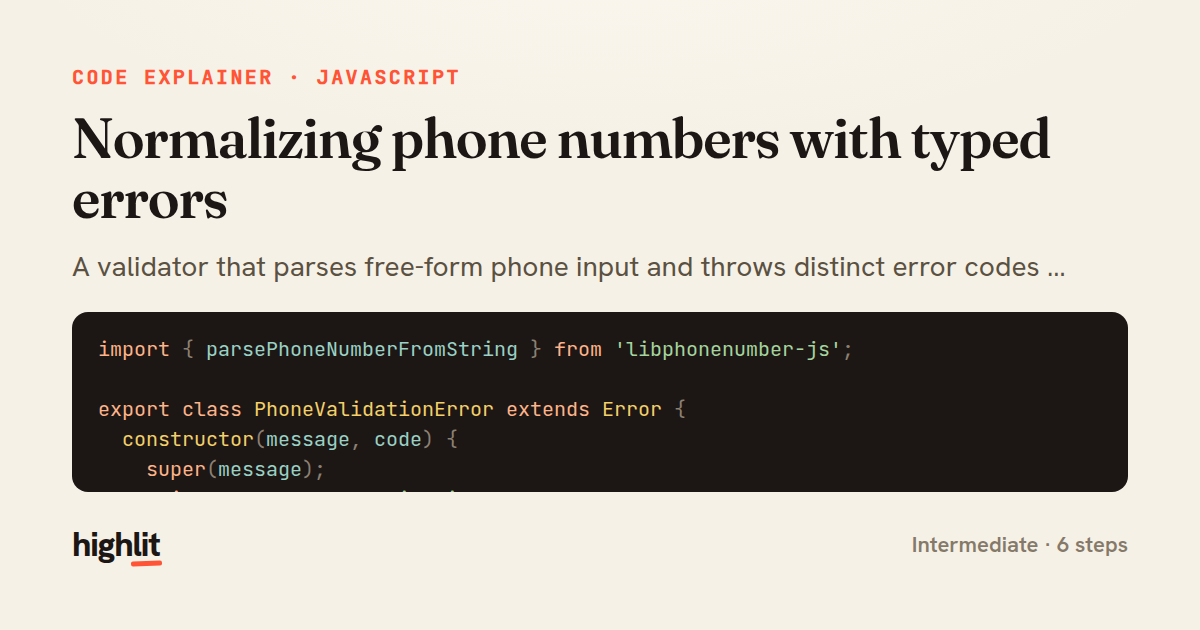
Made with highlit — turn any snippet into a walkthrough like this in about a minute.
Explain your code
Embed this explainer
Drop the interactive walkthrough into a blog or docs. Views never cost a credit.
<iframe src="https://highlit.co/explainers/normalizing-phone-numbers-with-typed-errors-explained-javascript-1864/embed?autoplay=1" width="100%" height="520" loading="lazy" style="border:0"></iframe>
Autoplay is on by default — add ?autoplay=0 to start paused.