python
37 lines · 8 steps
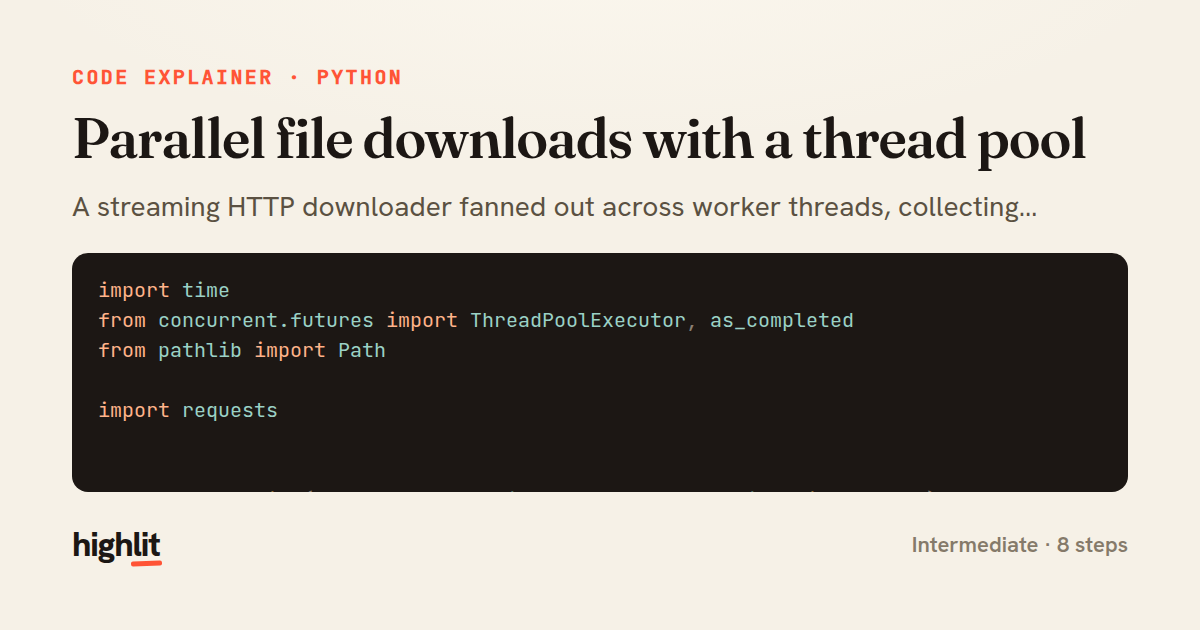
Parallel file downloads with a thread pool
A streaming HTTP downloader fanned out across worker threads, collecting results as each finishes.
Explained by
highlit
1import time
2from concurrent.futures import ThreadPoolExecutor, as_completed
3from pathlib import Path
4
5import requests
6
7
8def download_file(url: str, dest_dir: Path, *, chunk_size: int = 8192) -> Path:
9 filename = url.rstrip("/").rsplit("/", 1)[-1] or "index.html"
10 dest = dest_dir / filename
11 with requests.get(url, stream=True, timeout=30) as resp:
12 resp.raise_for_status()
13 with dest.open("wb") as fh:
14 for chunk in resp.iter_content(chunk_size=chunk_size):
15 fh.write(chunk)
16 return dest
17
18
19def download_all(urls: list[str], dest_dir: Path, max_workers: int = 8) -> dict[str, Path]:
20 dest_dir.mkdir(parents=True, exist_ok=True)
21 results: dict[str, Path] = {}
22
23 with ThreadPoolExecutor(max_workers=max_workers) as pool:
24 future_to_url = {
25 pool.submit(download_file, url, dest_dir): url for url in urls
26 }
27 for future in as_completed(future_to_url):
28 url = future_to_url[future]
29 try:
30 path = future.result()
31 except requests.RequestException as exc:
32 print(f"failed {url}: {exc}")
33 continue
34 results[url] = path
35 print(f"saved {url} -> {path}")
36
37 return results
01 / 01
STEP 01
‹ swipe to step through ›
Walkthrough
Space play
←→ step
click any line
Three takeaways
- 1Streaming responses with iter_content keeps memory flat regardless of file size.
- 2ThreadPoolExecutor is ideal for I/O-bound work like network downloads where threads spend most time waiting.
- 3Mapping futures back to their inputs lets you report per-task success or failure without losing context.
Related explainers
rust
use serde::Deserialize;

#[derive(Debug, Deserialize)]
#[serde(untagged)]
Parsing flexible JSON shapes with serde
deserialization
enums
json
Intermediate
6 steps
ruby
require "shellwords"
require "open3"

module Backup
Building safe shell commands in Ruby
shell-out
subprocess
command-injection
Intermediate
7 steps
python
from fastapi import FastAPI, WebSocket, WebSocketDisconnect

app = FastAPI()
Building a WebSocket chat with FastAPI
websockets
broadcast
connection-management
Intermediate
9 steps
rust
use std::cmp::{Ordering, Reverse};
use std::collections::BinaryHeap;
use std::fs::File;
use std::io::{self, BufRead, BufReader, BufWriter, Lines, Write};
K-way merge of sorted logs in Rust
binary-heap
k-way-merge
streaming-io
Intermediate
8 steps
python
import time
import uuid

from django.utils.deprecation import MiddlewareMixin
Attaching per-request context in Django
middleware
request lifecycle
multi-tenancy
Intermediate
7 steps
go
func (w *Watcher) resetDebounce(d time.Duration) {
	if !w.timer.Stop() {
		select {
		case <-w.timer.C:
Debouncing a stream of events in Go
debounce
timers
channels
Advanced
7 steps
Share this explainer
Here's the card — post it anywhere.
Made with highlit — turn any snippet into a walkthrough like this in about a minute.
Explain your code
Embed this explainer
Drop the interactive walkthrough into a blog or docs. Views never cost a credit.
<iframe src="https://highlit.co/explainers/parallel-file-downloads-with-a-thread-pool-explained-python-4ac5/embed?autoplay=1" width="100%" height="520" loading="lazy" style="border:0"></iframe>
Autoplay is on by default — add ?autoplay=0 to start paused.