rust
41 lines · 7 steps
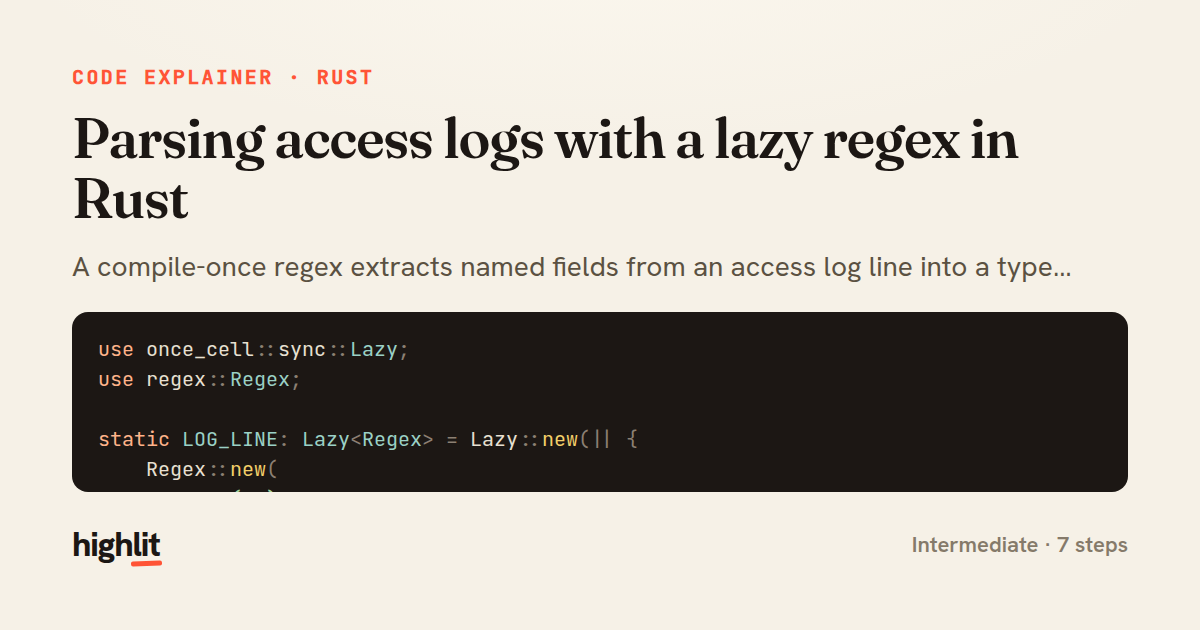
Parsing access logs with a lazy regex in Rust
A compile-once regex extracts named fields from an access log line into a typed struct.
Explained by
highlit
1use once_cell::sync::Lazy;
2use regex::Regex;
3
4static LOG_LINE: Lazy<Regex> = Lazy::new(|| {
5 Regex::new(
6 r#"(?x)
7 ^(?P<ip>\S+)\s+
8 \S+\s+\S+\s+
9 \[(?P<timestamp>[^\]]+)\]\s+
10 "(?P<method>[A-Z]+)\s+(?P<path>\S+)\s+HTTP/(?P<version>[\d.]+)"\s+
11 (?P<status>\d{3})\s+
12 (?P<bytes>\d+|-)
13 "#,
14 )
15 .expect("log line regex is valid")
16});
17
18#[derive(Debug)]
19pub struct AccessEntry {
20 pub ip: String,
21 pub timestamp: String,
22 pub method: String,
23 pub path: String,
24 pub version: String,
25 pub status: u16,
26 pub bytes: Option<u64>,
27}
28
29pub fn parse_access_log(line: &str) -> Option<AccessEntry> {
30 let caps = LOG_LINE.captures(line.trim())?;
31
32 Some(AccessEntry {
33 ip: caps["ip"].to_owned(),
34 timestamp: caps["timestamp"].to_owned(),
35 method: caps["method"].to_owned(),
36 path: caps["path"].to_owned(),
37 version: caps["version"].to_owned(),
38 status: caps["status"].parse().ok()?,
39 bytes: caps["bytes"].parse().ok(),
40 })
41}
01 / 01
STEP 01
‹ swipe to step through ›
Walkthrough
Space play
←→ step
click any line
Three takeaways
- 1Lazy statics compile an expensive resource like a regex exactly once, on first use, then share it everywhere.
- 2Named capture groups map directly to struct fields, keeping parsing readable and self-documenting.
- 3Returning Option and using the ? operator lets a parser fail gracefully on any malformed line.
Related explainers
rust
use serde::Deserialize;

#[derive(Debug, Deserialize)]
#[serde(untagged)]
Parsing flexible JSON shapes with serde
deserialization
enums
json
Intermediate
6 steps
rust
use std::cmp::{Ordering, Reverse};
use std::collections::BinaryHeap;
use std::fs::File;
use std::io::{self, BufRead, BufReader, BufWriter, Lines, Write};
K-way merge of sorted logs in Rust
binary-heap
k-way-merge
streaming-io
Intermediate
8 steps
ruby
class UserAgentParser
  BROWSERS = [
    [/Edg\/([\d.]+)/, "Edge"],
    [/OPR\/([\d.]+)/, "Opera"],
Parsing user-agent strings in Ruby
regex
pattern-matching
lookup-tables
Intermediate
8 steps
javascript
function evaluate(expression) {
  const tokens = tokenize(expression);
  let pos = 0;
Building a recursive descent calculator
parsing
recursion
operator-precedence
Intermediate
8 steps
rust
use axum::{
    extract::{Path, State},
    response::sse::{Event, KeepAlive, Sse},
};
Streaming import progress with SSE in Axum
server-sent-events
streams
watch-channel
Advanced
7 steps
rust
use std::f64::consts::PI;

#[derive(Debug, Clone, Copy)]
pub struct LatLng {
Building geographic bounding boxes in Rust
geospatial
value-types
option
Intermediate
7 steps
Share this explainer
Here's the card — post it anywhere.
Made with highlit — turn any snippet into a walkthrough like this in about a minute.
Explain your code
Embed this explainer
Drop the interactive walkthrough into a blog or docs. Views never cost a credit.
<iframe src="https://highlit.co/explainers/parsing-access-logs-with-a-lazy-regex-in-rust-explained-rust-6430/embed?autoplay=1" width="100%" height="520" loading="lazy" style="border:0"></iframe>
Autoplay is on by default — add ?autoplay=0 to start paused.