python
49 lines · 6 steps
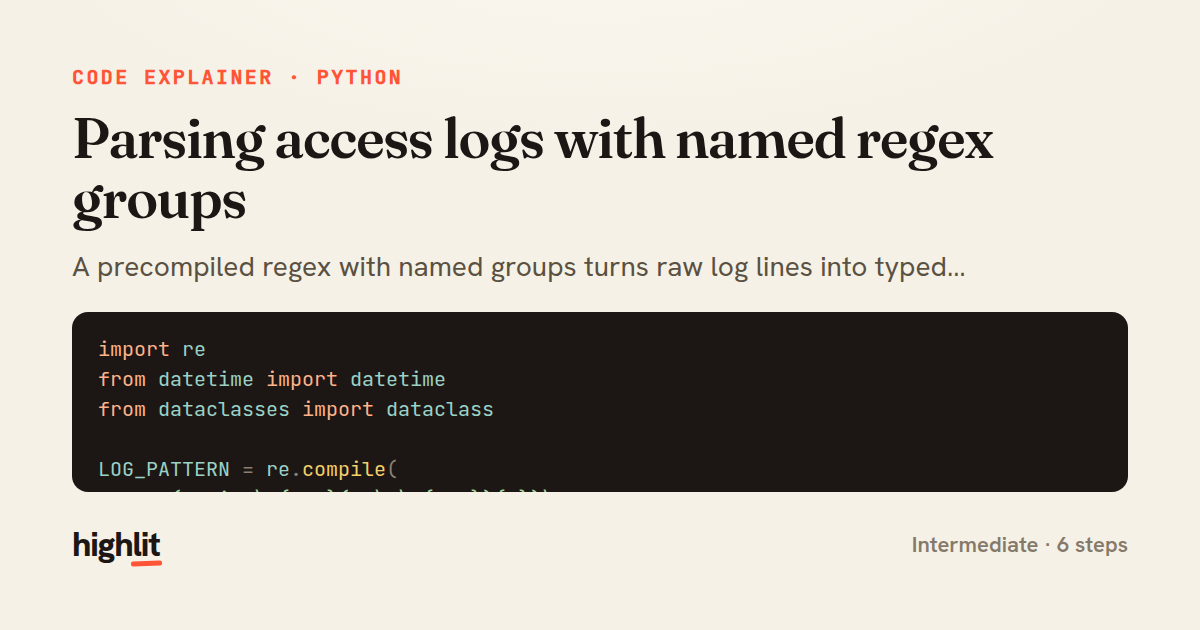
Parsing access logs with named regex groups
A precompiled regex with named groups turns raw log lines into typed dataclass records, skipping anything malformed.
Explained by
highlit
1import re
2from datetime import datetime
3from dataclasses import dataclass
4
5LOG_PATTERN = re.compile(
6 r'(?P<ip>\d{1,3}(?:\.\d{1,3}){3})\s+'
7 r'\[(?P<timestamp>[^\]]+)\]\s+'
8 r'"(?P<method>[A-Z]+)\s+(?P<path>\S+)\s+HTTP/(?P<version>\d\.\d)"\s+'
9 r'(?P<status>\d{3})\s+'
10 r'(?P<size>\d+|-)\s+'
11 r'"(?P<referer>[^"]*)"\s+'
12 r'"(?P<agent>[^"]*)"'
13)
14
15
16@dataclass
17class AccessLogEntry:
18 ip: str
19 timestamp: datetime
20 method: str
21 path: str
22 status: int
23 size: int
24 referer: str
25 agent: str
26
27
28def parse_line(line):
29 match = LOG_PATTERN.match(line.strip())
30 if match is None:
31 return None
32 fields = match.groupdict()
33 return AccessLogEntry(
34 ip=fields['ip'],
35 timestamp=datetime.strptime(fields['timestamp'], '%d/%b/%Y:%H:%M:%S %z'),
36 method=fields['method'],
37 path=fields['path'],
38 status=int(fields['status']),
39 size=0 if fields['size'] == '-' else int(fields['size']),
40 referer=fields['referer'],
41 agent=fields['agent'],
42 )
43
44
45def parse_log(lines):
46 for line in lines:
47 entry = parse_line(line)
48 if entry is not None:
49 yield entry
01 / 01
STEP 01
‹ swipe to step through ›
Walkthrough
Space play
←→ step
click any line
Three takeaways
- 1Named capture groups let a regex double as a self-documenting field map.
- 2Returning None for unmatched lines keeps the parser tolerant of malformed input.
- 3Generators stream parsed entries lazily, so huge log files never load fully into memory.
Related explainers
python
from fastapi import FastAPI, WebSocket, WebSocketDisconnect

app = FastAPI()
Building a WebSocket chat with FastAPI
websockets
broadcast
connection-management
Intermediate
9 steps
ruby
class UserAgentParser
  BROWSERS = [
    [/Edg\/([\d.]+)/, "Edge"],
    [/OPR\/([\d.]+)/, "Opera"],
Parsing user-agent strings in Ruby
regex
pattern-matching
lookup-tables
Intermediate
8 steps
python
import time
import uuid

from django.utils.deprecation import MiddlewareMixin
Attaching per-request context in Django
middleware
request lifecycle
multi-tenancy
Intermediate
7 steps
javascript
function evaluate(expression) {
  const tokens = tokenize(expression);
  let pos = 0;
Building a recursive descent calculator
parsing
recursion
operator-precedence
Intermediate
8 steps
python
import random
from typing import Iterator, List
How reservoir sampling picks k items
reservoir-sampling
streaming
randomness
Intermediate
5 steps
rust
use chrono::{Duration, NaiveDate};

#[derive(Debug)]
pub struct DateRange {
Parsing and iterating date ranges in Rust
error-handling
iterators
parsing
Intermediate
7 steps
Share this explainer
Here's the card — post it anywhere.
Made with highlit — turn any snippet into a walkthrough like this in about a minute.
Explain your code
Embed this explainer
Drop the interactive walkthrough into a blog or docs. Views never cost a credit.
<iframe src="https://highlit.co/explainers/parsing-access-logs-with-named-regex-groups-explained-python-30ce/embed?autoplay=1" width="100%" height="520" loading="lazy" style="border:0"></iframe>
Autoplay is on by default — add ?autoplay=0 to start paused.