python
39 lines · 8 steps
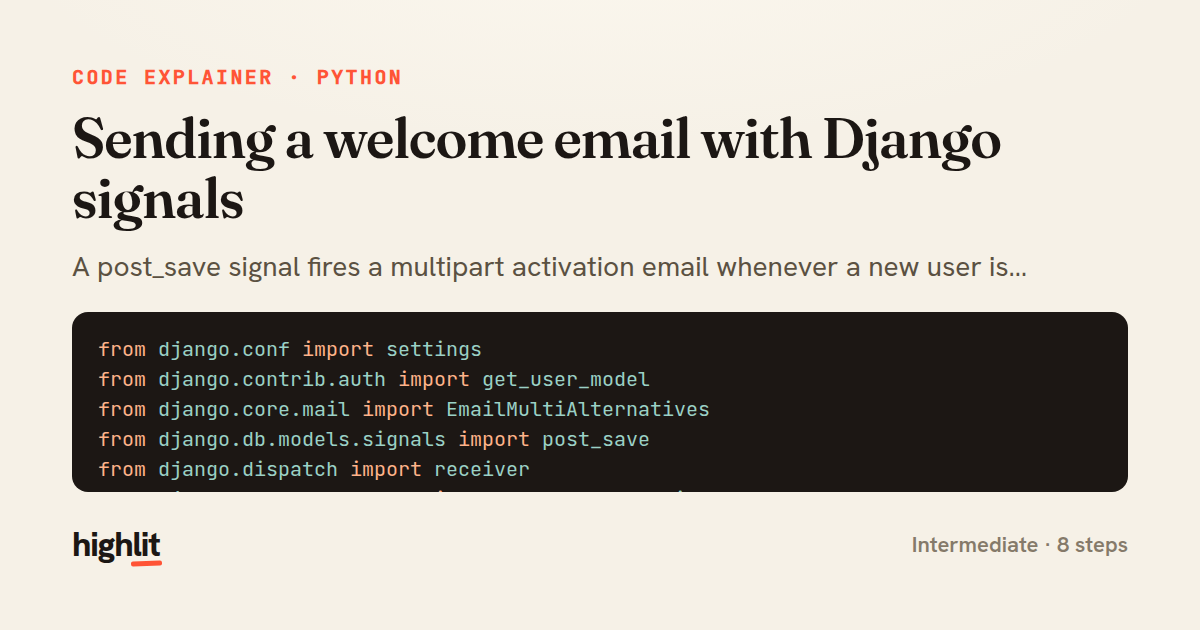
Sending a welcome email with Django signals
A post_save signal fires a multipart activation email whenever a new user is created.
Explained by
highlit
1from django.conf import settings
2from django.contrib.auth import get_user_model
3from django.core.mail import EmailMultiAlternatives
4from django.db.models.signals import post_save
5from django.dispatch import receiver
6from django.template.loader import render_to_string
7from django.urls import reverse
8from django.utils.encoding import force_bytes
9from django.utils.http import urlsafe_base64_encode
10
11User = get_user_model()
12
13
14@receiver(post_save, sender=User, dispatch_uid="send_welcome_email")
15def send_welcome_email(sender, instance, created, **kwargs):
16 if not created or not instance.email:
17 return
18
19 uid = urlsafe_base64_encode(force_bytes(instance.pk))
20 activation_path = reverse("accounts:activate", kwargs={"uidb64": uid, "token": instance.activation_token})
21 context = {
22 "user": instance,
23 "activation_url": settings.SITE_URL + activation_path,
24 "support_email": settings.SUPPORT_EMAIL,
25 }
26
27 subject = "Welcome to Acme \u2014 confirm your email"
28 text_body = render_to_string("emails/welcome.txt", context)
29 html_body = render_to_string("emails/welcome.html", context)
30
31 message = EmailMultiAlternatives(
32 subject=subject,
33 body=text_body,
34 from_email=settings.DEFAULT_FROM_EMAIL,
35 to=[instance.email],
36 reply_to=[settings.SUPPORT_EMAIL],
37 )
38 message.attach_alternative(html_body, "text/html")
39 message.send(fail_silently=False)
01 / 01
STEP 01
‹ swipe to step through ›
Walkthrough
Space play
←→ step
click any line
Three takeaways
- 1Django signals let you hook side effects onto model lifecycle events without touching the save logic.
- 2Guarding on the created flag ensures the handler runs once on creation, not on every update.
- 3EmailMultiAlternatives sends both plain-text and HTML bodies so clients render whichever they support.
Related explainers
python
from fastapi import FastAPI, WebSocket, WebSocketDisconnect

app = FastAPI()
Building a WebSocket chat with FastAPI
websockets
broadcast
connection-management
Intermediate
9 steps
python
import time
import uuid

from django.utils.deprecation import MiddlewareMixin
Attaching per-request context in Django
middleware
request lifecycle
multi-tenancy
Intermediate
7 steps
typescript
import { Injectable, effect, signal, computed } from '@angular/core';

interface Preferences {
  theme: 'light' | 'dark';
A signal-based preferences store in Angular
signals
state-management
persistence
Intermediate
7 steps
python
import random
from typing import Iterator, List
How reservoir sampling picks k items
reservoir-sampling
streaming
randomness
Intermediate
5 steps
python
import secrets

from django.contrib.auth import authenticate, login
from django.core.cache import cache
Two-factor login with OTP in Django
two-factor-auth
one-time-passwords
caching
Intermediate
9 steps
python
import re
from functools import total_ordering
from typing import Optional
Parsing and comparing semantic versions
regex
operator-overloading
sorting
Intermediate
7 steps
Share this explainer
Here's the card — post it anywhere.
Made with highlit — turn any snippet into a walkthrough like this in about a minute.
Explain your code
Embed this explainer
Drop the interactive walkthrough into a blog or docs. Views never cost a credit.
<iframe src="https://highlit.co/explainers/sending-a-welcome-email-with-django-signals-explained-python-5b9e/embed?autoplay=1" width="100%" height="520" loading="lazy" style="border:0"></iframe>
Autoplay is on by default — add ?autoplay=0 to start paused.