python
55 lines · 9 steps
Server-Sent Events streaming in Flask
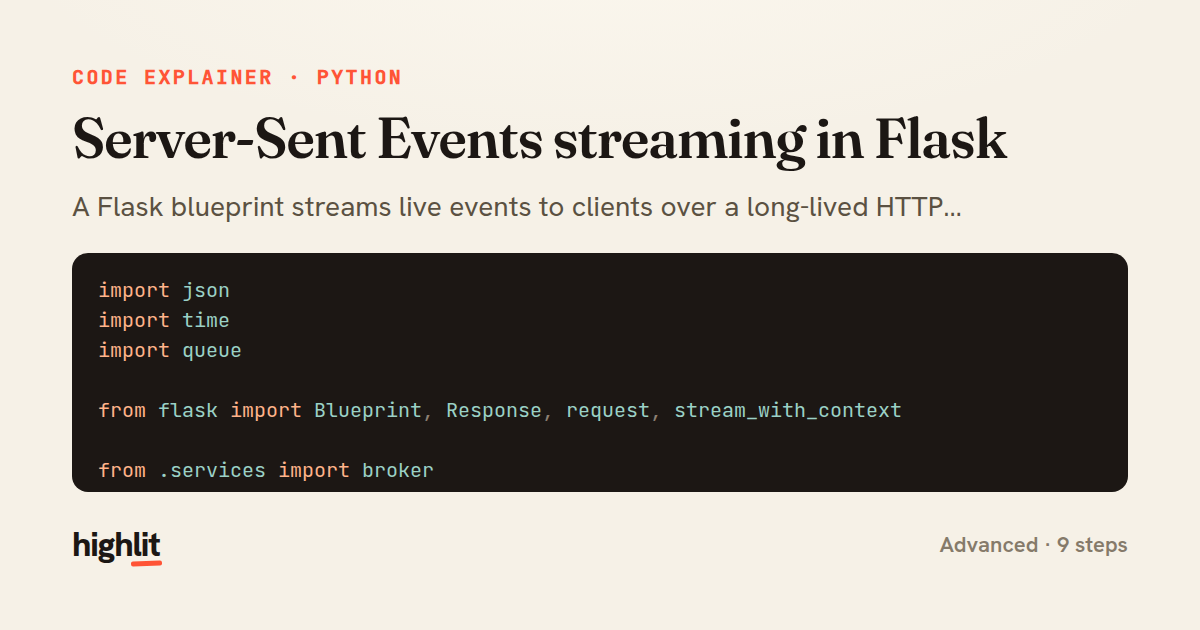
A Flask blueprint streams live events to clients over a long-lived HTTP connection using the SSE wire format.
Explained by
highlit
1import json
2import time
3import queue
4
5from flask import Blueprint, Response, request, stream_with_context
6
7from .services import broker
8
9sse = Blueprint("sse", __name__)
10
11
12def _format_event(data, *, event=None, event_id=None, retry=None):
13 lines = []
14 if event_id is not None:
15 lines.append(f"id: {event_id}")
16 if event is not None:
17 lines.append(f"event: {event}")
18 if retry is not None:
19 lines.append(f"retry: {retry}")
20 payload = json.dumps(data, separators=(",", ":"))
21 for line in payload.splitlines():
22 lines.append(f"data: {line}")
23 return "\n".join(lines) + "\n\n"
24
25
26@sse.route("/streams/<channel>")
27def stream(channel):
28 subscriber = broker.subscribe(channel)
29
30 @stream_with_context
31 def event_stream():
32 yield _format_event({"channel": channel}, event="open", retry=3000)
33 last_ping = time.monotonic()
34 try:
35 while True:
36 try:
37 message = subscriber.get(timeout=1.0)
38 except queue.Empty:
39 if time.monotonic() - last_ping >= 15:
40 yield ": keep-alive\n\n"
41 last_ping = time.monotonic()
42 continue
43 yield _format_event(
44 message["data"],
45 event=message.get("type", "message"),
46 event_id=message["id"],
47 )
48 finally:
49 broker.unsubscribe(channel, subscriber)
50
51 response = Response(event_stream(), mimetype="text/event-stream")
52 response.headers["Cache-Control"] = "no-cache"
53 response.headers["X-Accel-Buffering"] = "no"
54 response.headers["Connection"] = "keep-alive"
55 return response
01 / 01
STEP 01
‹ swipe to step through ›
Walkthrough
Space play
←→ step
click any line
Three takeaways
- 1SSE is just a plain-text format over a long-lived HTTP response — id, event, and data fields separated by newlines.
- 2Streaming responses in Flask are generators wrapped with stream_with_context so request state survives across yields.
- 3A finally block on the generator is the reliable place to release per-connection resources when a client disconnects.
Related explainers
python
from fastapi import FastAPI, WebSocket, WebSocketDisconnect

app = FastAPI()
Building a WebSocket chat with FastAPI
websockets
broadcast
connection-management
Intermediate
9 steps
python
import time
import uuid

from django.utils.deprecation import MiddlewareMixin
Attaching per-request context in Django
middleware
request lifecycle
multi-tenancy
Intermediate
7 steps
rust
use axum::{
    extract::{Path, State},
    response::sse::{Event, KeepAlive, Sse},
};
Streaming import progress with SSE in Axum
server-sent-events
streams
watch-channel
Advanced
7 steps
python
import random
from typing import Iterator, List
How reservoir sampling picks k items
reservoir-sampling
streaming
randomness
Intermediate
5 steps
python
import secrets

from django.contrib.auth import authenticate, login
from django.core.cache import cache
Two-factor login with OTP in Django
two-factor-auth
one-time-passwords
caching
Intermediate
9 steps
python
import re
from functools import total_ordering
from typing import Optional
Parsing and comparing semantic versions
regex
operator-overloading
sorting
Intermediate
7 steps
Share this explainer
Here's the card — post it anywhere.
Made with highlit — turn any snippet into a walkthrough like this in about a minute.
Explain your code
Embed this explainer
Drop the interactive walkthrough into a blog or docs. Views never cost a credit.
<iframe src="https://highlit.co/explainers/server-sent-events-streaming-in-flask-explained-python-cbf5/embed?autoplay=1" width="100%" height="520" loading="lazy" style="border:0"></iframe>
Autoplay is on by default — add ?autoplay=0 to start paused.