python
41 lines · 7 steps
Serving files with access checks in Django
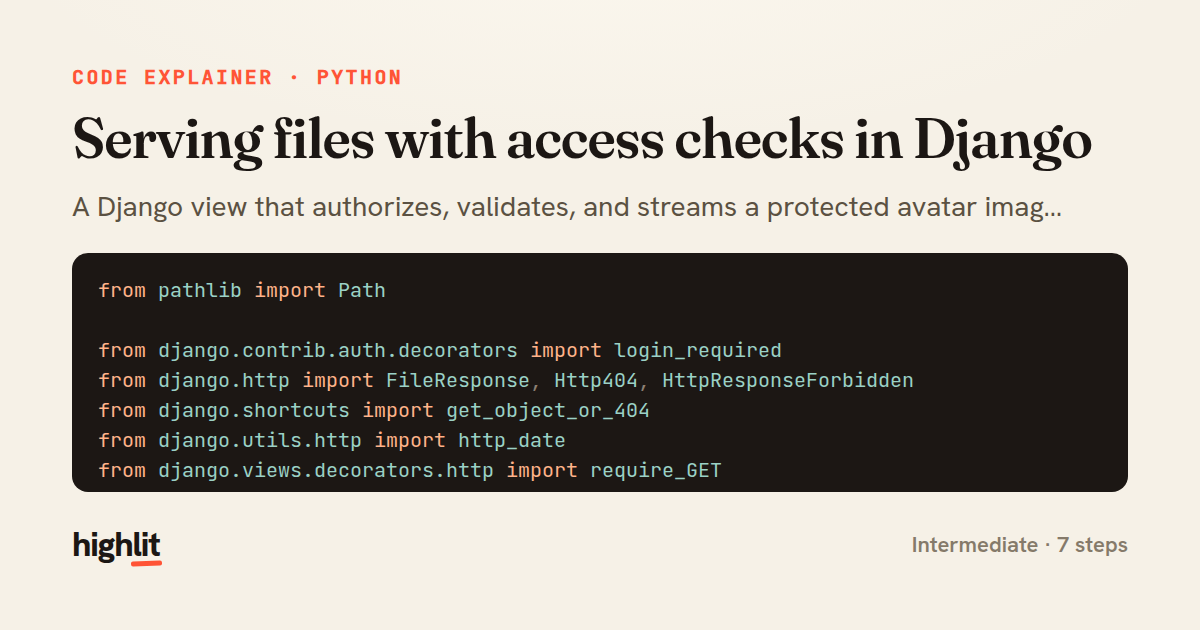
A Django view that authorizes, validates, and streams a protected avatar image with proper HTTP caching.
Explained by
highlit
1from pathlib import Path
2
3from django.contrib.auth.decorators import login_required
4from django.http import FileResponse, Http404, HttpResponseForbidden
5from django.shortcuts import get_object_or_404
6from django.utils.http import http_date
7from django.views.decorators.http import require_GET
8
9from .models import Avatar
10
11
12@require_GET
13@login_required
14def serve_avatar(request, avatar_id):
15 avatar = get_object_or_404(Avatar.objects.select_related("owner"), pk=avatar_id)
16
17 if not avatar.is_public and avatar.owner_id != request.user.id:
18 if not request.user.has_perm("accounts.view_avatar", avatar):
19 return HttpResponseForbidden("You may not view this avatar.")
20
21 path = Path(avatar.image.path)
22 if not path.is_file():
23 raise Http404("Avatar file is missing.")
24
25 stat = path.stat()
26 etag = f'"{avatar_id}-{int(stat.st_mtime)}-{stat.st_size}"'
27 if request.headers.get("If-None-Match") == etag:
28 response = FileResponse(status=304)
29 response["ETag"] = etag
30 return response
31
32 response = FileResponse(
33 path.open("rb"),
34 content_type=avatar.content_type or "application/octet-stream",
35 )
36 response["ETag"] = etag
37 response["Last-Modified"] = http_date(stat.st_mtime)
38 response["Content-Length"] = stat.st_size
39 response["Cache-Control"] = "private, max-age=3600"
40 response["Content-Disposition"] = f'inline; filename="{path.name}"'
41 return response
01 / 01
STEP 01
‹ swipe to step through ›
Walkthrough
Space play
←→ step
click any line
Three takeaways
- 1Layer authorization checks before touching the filesystem so unauthorized requests never reach the file.
- 2An ETag built from mutable file attributes lets clients skip re-downloading unchanged content via 304 responses.
- 3Setting Last-Modified, Content-Length, and Cache-Control headers explicitly gives you control over how responses are cached.
Related explainers
python
from fastapi import FastAPI, WebSocket, WebSocketDisconnect

app = FastAPI()
Building a WebSocket chat with FastAPI
websockets
broadcast
connection-management
Intermediate
9 steps
python
import time
import uuid

from django.utils.deprecation import MiddlewareMixin
Attaching per-request context in Django
middleware
request lifecycle
multi-tenancy
Intermediate
7 steps
go
package api

import (
	"crypto/sha256"
ETag conditional requests in Gin
http-caching
etag
conditional-requests
Intermediate
6 steps
python
import random
from typing import Iterator, List
How reservoir sampling picks k items
reservoir-sampling
streaming
randomness
Intermediate
5 steps
python
import secrets

from django.contrib.auth import authenticate, login
from django.core.cache import cache
Two-factor login with OTP in Django
two-factor-auth
one-time-passwords
caching
Intermediate
9 steps
go
package middleware

import (
	"net/http"
Per-plan export limits in Gin middleware
middleware
rate-limiting
authorization
Intermediate
7 steps
Share this explainer
Here's the card — post it anywhere.
Made with highlit — turn any snippet into a walkthrough like this in about a minute.
Explain your code
Embed this explainer
Drop the interactive walkthrough into a blog or docs. Views never cost a credit.
<iframe src="https://highlit.co/explainers/serving-files-with-access-checks-in-django-explained-python-8b55/embed?autoplay=1" width="100%" height="520" loading="lazy" style="border:0"></iframe>
Autoplay is on by default — add ?autoplay=0 to start paused.