python
53 lines · 7 steps
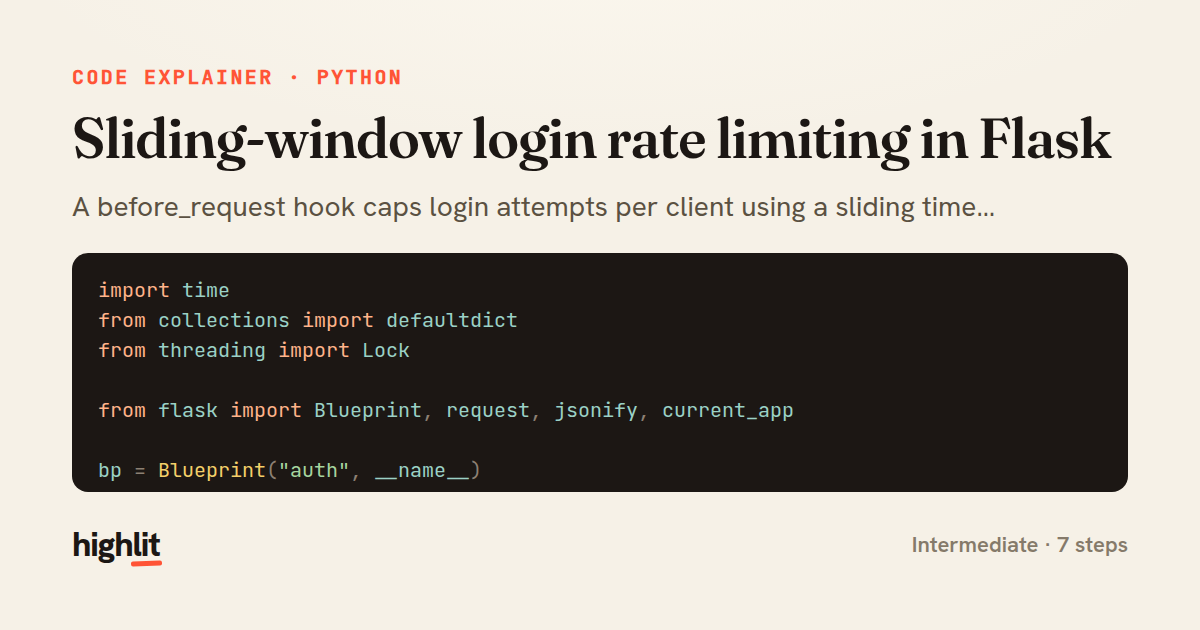
Sliding-window login rate limiting in Flask
A before_request hook caps login attempts per client using a sliding time window and a thread-safe in-memory store.
Explained by
highlit
1import time
2from collections import defaultdict
3from threading import Lock
4
5from flask import Blueprint, request, jsonify, current_app
6
7bp = Blueprint("auth", __name__)
8
9MAX_ATTEMPTS = 5
10WINDOW_SECONDS = 60
11
12_attempts = defaultdict(list)
13_lock = Lock()
14
15
16def _client_key():
17 forwarded = request.headers.get("X-Forwarded-For", "")
18 return forwarded.split(",")[0].strip() or request.remote_addr
19
20
21@bp.before_request
22def throttle_login():
23 if request.endpoint != "auth.login":
24 return None
25
26 key = _client_key()
27 now = time.monotonic()
28 cutoff = now - WINDOW_SECONDS
29
30 with _lock:
31 hits = [t for t in _attempts[key] if t > cutoff]
32 if len(hits) >= MAX_ATTEMPTS:
33 retry_after = int(WINDOW_SECONDS - (now - hits[0])) + 1
34 current_app.logger.warning("login rate limit exceeded for %s", key)
35 response = jsonify(error="Too many login attempts. Try again later.")
36 response.status_code = 429
37 response.headers["Retry-After"] = str(retry_after)
38 _attempts[key] = hits
39 return response
40
41 hits.append(now)
42 _attempts[key] = hits
43
44 return None
45
46
47@bp.route("/login", methods=["POST"])
48def login():
49 credentials = request.get_json(silent=True) or {}
50 user = User.authenticate(credentials.get("email"), credentials.get("password"))
51 if user is None:
52 return jsonify(error="Invalid credentials"), 401
53 return jsonify(token=user.issue_token())
01 / 01
STEP 01
‹ swipe to step through ›
Walkthrough
Space play
←→ step
click any line
Three takeaways
- 1A sliding window keeps only timestamps newer than the cutoff, so limits decay smoothly instead of resetting on hard boundaries.
- 2Mutating shared state from concurrent requests needs a lock to keep the read-modify-write of attempt counts atomic.
- 3Returning a 429 with a Retry-After header tells clients exactly when they may try again.
Related explainers
python
from fastapi import FastAPI, WebSocket, WebSocketDisconnect

app = FastAPI()
Building a WebSocket chat with FastAPI
websockets
broadcast
connection-management
Intermediate
9 steps
python
import time
import uuid

from django.utils.deprecation import MiddlewareMixin
Attaching per-request context in Django
middleware
request lifecycle
multi-tenancy
Intermediate
7 steps
python
import random
from typing import Iterator, List
How reservoir sampling picks k items
reservoir-sampling
streaming
randomness
Intermediate
5 steps
python
import secrets

from django.contrib.auth import authenticate, login
from django.core.cache import cache
Two-factor login with OTP in Django
two-factor-auth
one-time-passwords
caching
Intermediate
9 steps
go
package middleware

import (
	"net/http"
Per-plan export limits in Gin middleware
middleware
rate-limiting
authorization
Intermediate
7 steps
python
import re
from functools import total_ordering
from typing import Optional
Parsing and comparing semantic versions
regex
operator-overloading
sorting
Intermediate
7 steps
Share this explainer
Here's the card — post it anywhere.
Made with highlit — turn any snippet into a walkthrough like this in about a minute.
Explain your code
Embed this explainer
Drop the interactive walkthrough into a blog or docs. Views never cost a credit.
<iframe src="https://highlit.co/explainers/sliding-window-login-rate-limiting-in-flask-explained-python-53c1/embed?autoplay=1" width="100%" height="520" loading="lazy" style="border:0"></iframe>
Autoplay is on by default — add ?autoplay=0 to start paused.