javascript
54 lines · 9 steps
Streaming a CSV export in a Next.js route
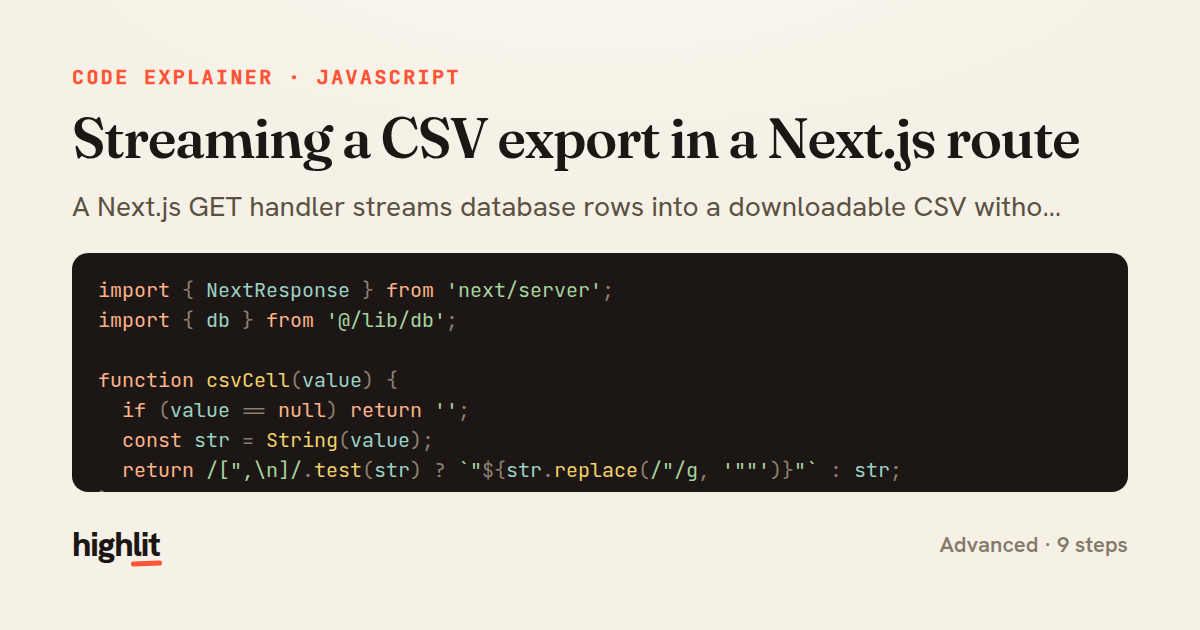
A Next.js GET handler streams database rows into a downloadable CSV without buffering the whole result in memory.
Explained by
highlit
1import { NextResponse } from 'next/server';
2import { db } from '@/lib/db';
3
4function csvCell(value) {
5 if (value == null) return '';
6 const str = String(value);
7 return /[",\n]/.test(str) ? `"${str.replace(/"/g, '""')}"` : str;
8}
9
10export async function GET(request) {
11 const { searchParams } = new URL(request.url);
12 const status = searchParams.get('status') ?? 'active';
13 const since = searchParams.get('since');
14
15 const cursor = db.orders.stream({
16 where: {
17 status,
18 ...(since ? { createdAt: { gte: new Date(since) } } : {}),
19 },
20 orderBy: { createdAt: 'asc' },
21 });
22
23 const columns = ['id', 'customerEmail', 'total', 'status', 'createdAt'];
24 const encoder = new TextEncoder();
25
26 const stream = new ReadableStream({
27 async start(controller) {
28 controller.enqueue(encoder.encode(columns.join(',') + '\n'));
29 try {
30 for await (const order of cursor) {
31 const row = columns.map((col) => csvCell(order[col])).join(',');
32 controller.enqueue(encoder.encode(row + '\n'));
33 }
34 } catch (err) {
35 controller.error(err);
36 return;
37 }
38 controller.close();
39 },
40 cancel() {
41 cursor.return?.();
42 },
43 });
44
45 const filename = `orders-${status}-${new Date().toISOString().slice(0, 10)}.csv`;
46
47 return new NextResponse(stream, {
48 headers: {
49 'Content-Type': 'text/csv; charset=utf-8',
50 'Content-Disposition': `attachment; filename="${filename}"`,
51 'Cache-Control': 'no-store',
52 },
53 });
54}
01 / 01
STEP 01
‹ swipe to step through ›
Walkthrough
Space play
←→ step
click any line
Three takeaways
- 1Streaming rows one at a time keeps memory flat no matter how large the export grows.
- 2CSV cells must escape quotes, commas, and newlines to stay parseable.
- 3A stream's cancel hook lets you release the database cursor when the client disconnects.
Related explainers
javascript
function evaluate(expression) {
  const tokens = tokenize(expression);
  let pos = 0;
Building a recursive descent calculator
parsing
recursion
operator-precedence
Intermediate
8 steps
javascript
import { useState, useEffect, useCallback, useRef } from 'react';

const cache = new Map();
const inflight = new Map();
Building a stale-while-revalidate hook in React
caching
request-deduplication
custom-hooks
Advanced
10 steps
python
import random
from typing import Iterator, List
How reservoir sampling picks k items
reservoir-sampling
streaming
randomness
Intermediate
5 steps
javascript
import { useEffect, useRef, useState } from 'react';

export function useDelayedFlag(active, delay = 300) {
  const [visible, setVisible] = useState(false);
Delaying a loading spinner with a React hook
custom-hooks
debouncing
cleanup
Intermediate
8 steps
javascript
const SWIPE_THRESHOLD = 80;
const MAX_TRANSLATE = 120;

export function attachSwipeToDismiss(element, onDismiss) {
Building a swipe-to-dismiss gesture in JS
touch-events
gesture-detection
dom-manipulation
Intermediate
10 steps
rust
use std::time::Duration;
use tokio::sync::mpsc;
use tokio::time::{interval, MissedTickBehavior};
A token-bucket rate limiter in Tokio
rate-limiting
channels
async
Advanced
8 steps
Share this explainer
Here's the card — post it anywhere.
Made with highlit — turn any snippet into a walkthrough like this in about a minute.
Explain your code
Embed this explainer
Drop the interactive walkthrough into a blog or docs. Views never cost a credit.
<iframe src="https://highlit.co/explainers/streaming-a-csv-export-in-a-next-js-route-explained-javascript-bbaa/embed?autoplay=1" width="100%" height="520" loading="lazy" style="border:0"></iframe>
Autoplay is on by default — add ?autoplay=0 to start paused.