javascript
41 lines · 9 steps
Streaming file downloads in Express
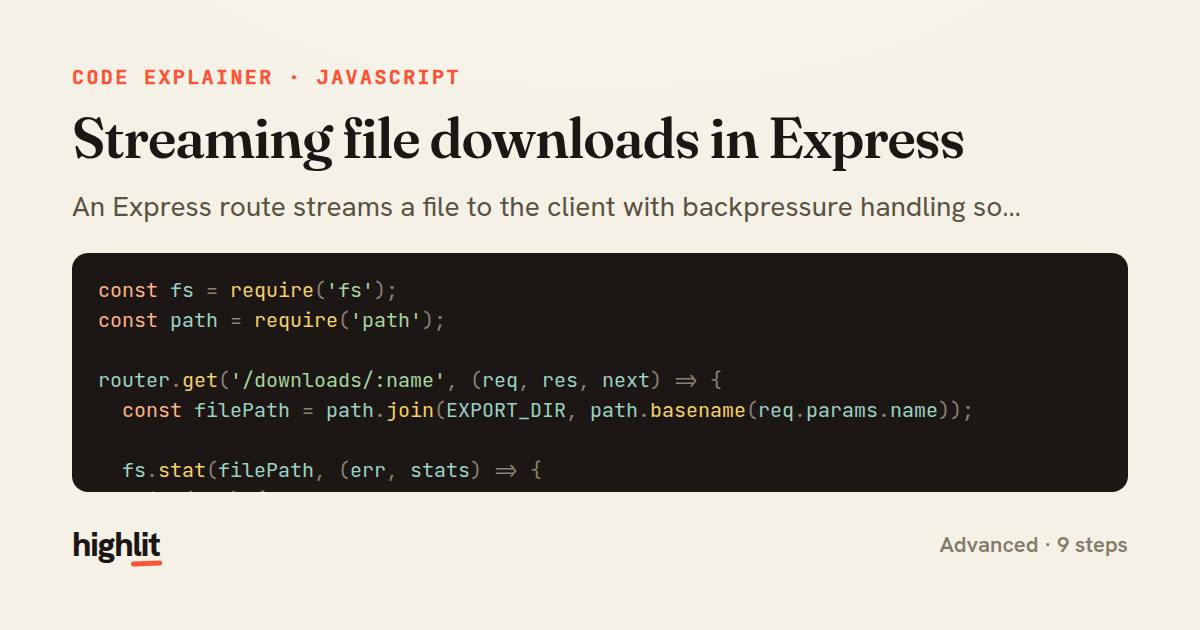
An Express route streams a file to the client with backpressure handling so large downloads never overwhelm memory.
Explained by
highlit
1const fs = require('fs');
2const path = require('path');
3
4router.get('/downloads/:name', (req, res, next) => {
5 const filePath = path.join(EXPORT_DIR, path.basename(req.params.name));
6
7 fs.stat(filePath, (err, stats) => {
8 if (err) {
9 return err.code === 'ENOENT' ? res.sendStatus(404) : next(err);
10 }
11
12 res.set({
13 'Content-Type': 'application/octet-stream',
14 'Content-Length': stats.size,
15 'Content-Disposition': `attachment; filename="${req.params.name}"`,
16 });
17
18 const stream = fs.createReadStream(filePath, { highWaterMark: 64 * 1024 });
19
20 stream.on('data', (chunk) => {
21 if (!res.write(chunk)) {
22 stream.pause();
23 }
24 });
25
26 res.on('drain', () => stream.resume());
27
28 stream.on('end', () => res.end());
29
30 stream.on('error', (streamErr) => {
31 stream.destroy();
32 if (!res.headersSent) {
33 next(streamErr);
34 } else {
35 res.destroy(streamErr);
36 }
37 });
38
39 res.on('close', () => stream.destroy());
40 });
41});
01 / 01
STEP 01
‹ swipe to step through ›
Walkthrough
Space play
←→ step
click any line
Three takeaways
- 1Honoring res.write's return value and pausing the stream is how you respect backpressure and keep memory bounded.
- 2Sanitizing user-supplied filenames with path.basename prevents directory traversal outside the export folder.
- 3Whether headers have already been sent determines whether you can delegate an error to next or must destroy the response.
Related explainers
rust
use serde::Deserialize;

#[derive(Debug, Deserialize)]
#[serde(untagged)]
Parsing flexible JSON shapes with serde
deserialization
enums
json
Intermediate
6 steps
ruby
require "shellwords"
require "open3"

module Backup
Building safe shell commands in Ruby
shell-out
subprocess
command-injection
Intermediate
7 steps
javascript
function evaluate(expression) {
  const tokens = tokenize(expression);
  let pos = 0;
Building a recursive descent calculator
parsing
recursion
operator-precedence
Intermediate
8 steps
javascript
import { useState, useEffect, useCallback, useRef } from 'react';

const cache = new Map();
const inflight = new Map();
Building a stale-while-revalidate hook in React
caching
request-deduplication
custom-hooks
Advanced
10 steps
python
import random
from typing import Iterator, List
How reservoir sampling picks k items
reservoir-sampling
streaming
randomness
Intermediate
5 steps
rust
use chrono::{Duration, NaiveDate};

#[derive(Debug)]
pub struct DateRange {
Parsing and iterating date ranges in Rust
error-handling
iterators
parsing
Intermediate
7 steps
Share this explainer
Here's the card — post it anywhere.
Made with highlit — turn any snippet into a walkthrough like this in about a minute.
Explain your code
Embed this explainer
Drop the interactive walkthrough into a blog or docs. Views never cost a credit.
<iframe src="https://highlit.co/explainers/streaming-file-downloads-in-express-explained-javascript-c415/embed?autoplay=1" width="100%" height="520" loading="lazy" style="border:0"></iframe>
Autoplay is on by default — add ?autoplay=0 to start paused.