rust
62 lines · 8 steps
The builder pattern in Rust
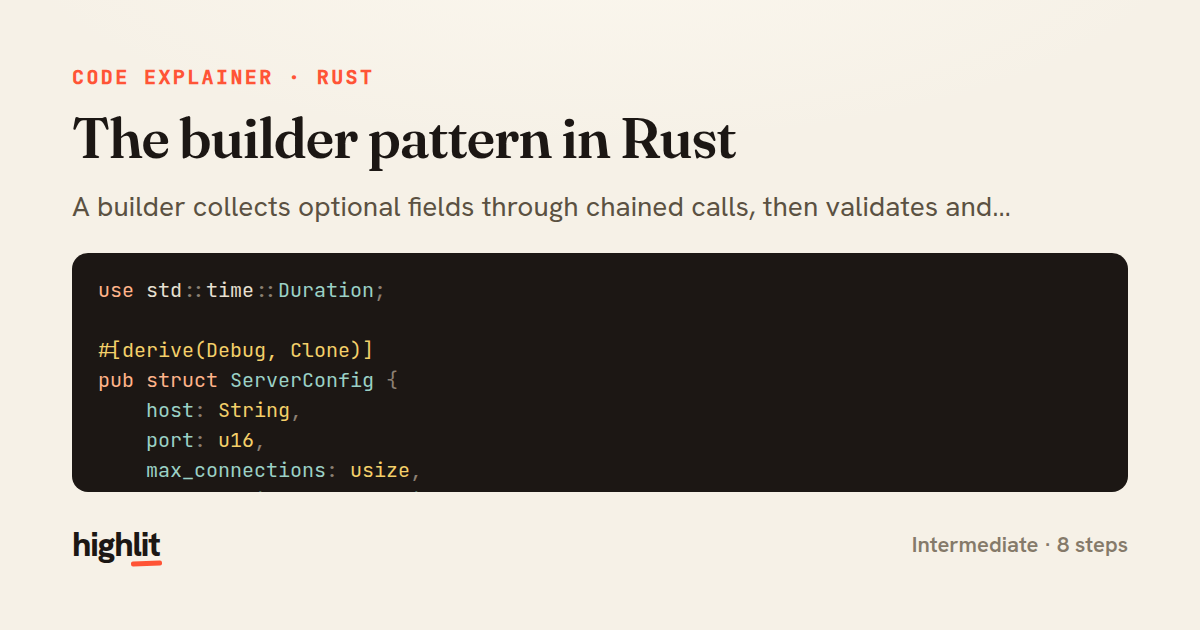
A builder collects optional fields through chained calls, then validates and assembles the final config in one fallible step.
Explained by
highlit
1use std::time::Duration;
2
3#[derive(Debug, Clone)]
4pub struct ServerConfig {
5 host: String,
6 port: u16,
7 max_connections: usize,
8 request_timeout: Duration,
9 tls_enabled: bool,
10}
11
12#[derive(Default)]
13pub struct ServerConfigBuilder {
14 host: Option<String>,
15 port: Option<u16>,
16 max_connections: Option<usize>,
17 request_timeout: Option<Duration>,
18 tls_enabled: bool,
19}
20
21impl ServerConfig {
22 pub fn builder() -> ServerConfigBuilder {
23 ServerConfigBuilder::default()
24 }
25}
26
27impl ServerConfigBuilder {
28 pub fn host(mut self, host: impl Into<String>) -> Self {
29 self.host = Some(host.into());
30 self
31 }
32
33 pub fn port(mut self, port: u16) -> Self {
34 self.port = Some(port);
35 self
36 }
37
38 pub fn max_connections(mut self, max: usize) -> Self {
39 self.max_connections = Some(max);
40 self
41 }
42
43 pub fn request_timeout(mut self, timeout: Duration) -> Self {
44 self.request_timeout = Some(timeout);
45 self
46 }
47
48 pub fn tls_enabled(mut self, enabled: bool) -> Self {
49 self.tls_enabled = enabled;
50 self
51 }
52
53 pub fn build(self) -> Result<ServerConfig, &'static str> {
54 Ok(ServerConfig {
55 host: self.host.ok_or("host is required")?,
56 port: self.port.unwrap_or(8080),
57 max_connections: self.max_connections.unwrap_or(1024),
58 request_timeout: self.request_timeout.unwrap_or(Duration::from_secs(30)),
59 tls_enabled: self.tls_enabled,
60 })
61 }
62}
01 / 01
STEP 01
‹ swipe to step through ›
Walkthrough
Space play
←→ step
click any line
Three takeaways
- 1Separating a builder from the final struct lets you accept partial input and defer validation until construction.
- 2Taking and returning `self` by value enables ergonomic method chaining while respecting Rust's ownership rules.
- 3Returning a `Result` from `build` turns missing required fields into recoverable errors instead of panics.
Related explainers
rust
use serde::Deserialize;

#[derive(Debug, Deserialize)]
#[serde(untagged)]
Parsing flexible JSON shapes with serde
deserialization
enums
json
Intermediate
6 steps
ruby
require "shellwords"
require "open3"

module Backup
Building safe shell commands in Ruby
shell-out
subprocess
command-injection
Intermediate
7 steps
rust
use std::cmp::{Ordering, Reverse};
use std::collections::BinaryHeap;
use std::fs::File;
use std::io::{self, BufRead, BufReader, BufWriter, Lines, Write};
K-way merge of sorted logs in Rust
binary-heap
k-way-merge
streaming-io
Intermediate
8 steps
rust
use axum::{
    extract::{Path, State},
    response::sse::{Event, KeepAlive, Sse},
};
Streaming import progress with SSE in Axum
server-sent-events
streams
watch-channel
Advanced
7 steps
rust
use std::f64::consts::PI;

#[derive(Debug, Clone, Copy)]
pub struct LatLng {
Building geographic bounding boxes in Rust
geospatial
value-types
option
Intermediate
7 steps
rust
use chrono::{Duration, NaiveDate};

#[derive(Debug)]
pub struct DateRange {
Parsing and iterating date ranges in Rust
error-handling
iterators
parsing
Intermediate
7 steps
Share this explainer
Here's the card — post it anywhere.
Made with highlit — turn any snippet into a walkthrough like this in about a minute.
Explain your code
Embed this explainer
Drop the interactive walkthrough into a blog or docs. Views never cost a credit.
<iframe src="https://highlit.co/explainers/the-builder-pattern-in-rust-explained-rust-ebf8/embed?autoplay=1" width="100%" height="520" loading="lazy" style="border:0"></iframe>
Autoplay is on by default — add ?autoplay=0 to start paused.