python
49 lines · 8 steps
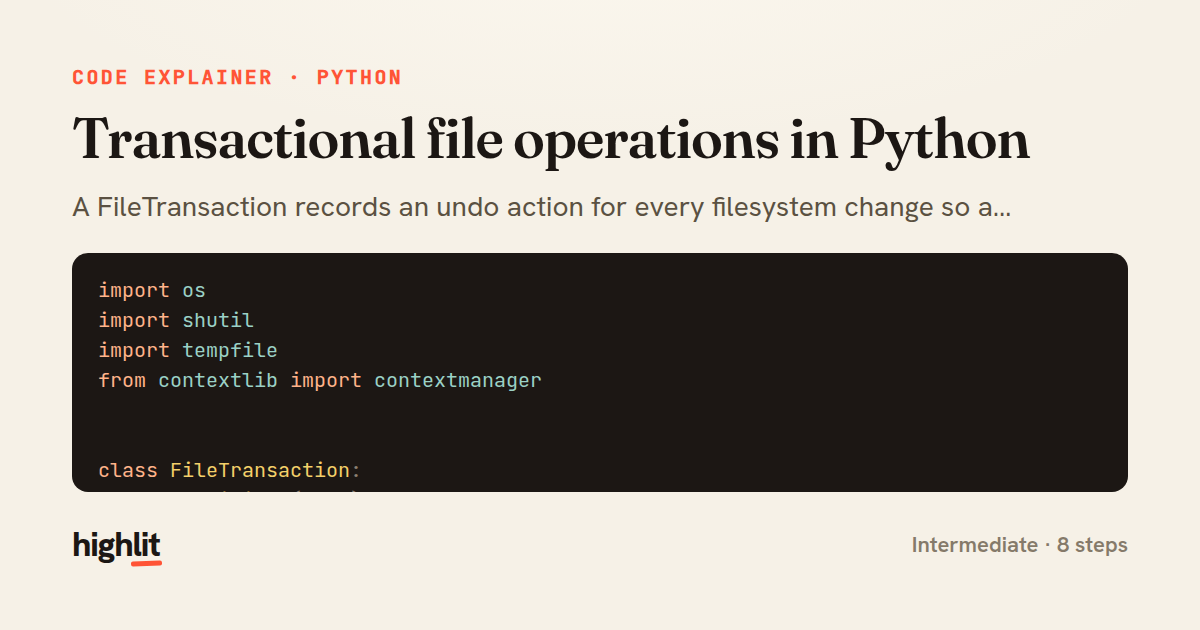
Transactional file operations in Python
A FileTransaction records an undo action for every filesystem change so a failure can roll everything back.
Explained by
highlit
1import os
2import shutil
3import tempfile
4from contextlib import contextmanager
5
6
7class FileTransaction:
8 def __init__(self):
9 self._undo = []
10
11 def write(self, path, data):
12 existed = os.path.exists(path)
13 backup = None
14 if existed:
15 fd, backup = tempfile.mkstemp()
16 os.close(fd)
17 shutil.copy2(path, backup)
18 mode = "wb" if isinstance(data, (bytes, bytearray)) else "w"
19 with open(path, mode) as f:
20 f.write(data)
21 if existed:
22 self._undo.append(lambda: shutil.move(backup, path))
23 else:
24 self._undo.append(lambda: os.remove(path))
25
26 def move(self, src, dst):
27 shutil.move(src, dst)
28 self._undo.append(lambda: shutil.move(dst, src))
29
30 def remove(self, path):
31 fd, backup = tempfile.mkstemp()
32 os.close(fd)
33 shutil.move(path, backup)
34 self._undo.append(lambda: shutil.move(backup, path))
35
36 def rollback(self):
37 for action in reversed(self._undo):
38 action()
39 self._undo.clear()
40
41
42@contextmanager
43def file_transaction():
44 tx = FileTransaction()
45 try:
46 yield tx
47 except Exception:
48 tx.rollback()
49 raise
01 / 01
STEP 01
‹ swipe to step through ›
Walkthrough
Space play
←→ step
click any line
Three takeaways
- 1Recording an inverse action per operation lets you undo a sequence of side effects atomically.
- 2Backing up originals to temp files before overwriting makes writes and deletes reversible.
- 3Replaying undo actions in reverse order correctly unwinds dependent changes.
Related explainers
python
from fastapi import FastAPI, WebSocket, WebSocketDisconnect

app = FastAPI()
Building a WebSocket chat with FastAPI
websockets
broadcast
connection-management
Intermediate
9 steps
php
<?php

namespace App\Services\Checkout;
Validating coupons with Laravel's Pipeline
pipeline
chain of responsibility
transactions
Intermediate
7 steps
python
import time
import uuid

from django.utils.deprecation import MiddlewareMixin
Attaching per-request context in Django
middleware
request lifecycle
multi-tenancy
Intermediate
7 steps
javascript
function evaluate(expression) {
  const tokens = tokenize(expression);
  let pos = 0;
Building a recursive descent calculator
parsing
recursion
operator-precedence
Intermediate
8 steps
python
import random
from typing import Iterator, List
How reservoir sampling picks k items
reservoir-sampling
streaming
randomness
Intermediate
5 steps
python
import secrets

from django.contrib.auth import authenticate, login
from django.core.cache import cache
Two-factor login with OTP in Django
two-factor-auth
one-time-passwords
caching
Intermediate
9 steps
Share this explainer
Here's the card — post it anywhere.
Made with highlit — turn any snippet into a walkthrough like this in about a minute.
Explain your code
Embed this explainer
Drop the interactive walkthrough into a blog or docs. Views never cost a credit.
<iframe src="https://highlit.co/explainers/transactional-file-operations-in-python-explained-python-faa6/embed?autoplay=1" width="100%" height="520" loading="lazy" style="border:0"></iframe>
Autoplay is on by default — add ?autoplay=0 to start paused.