typescript
39 lines · 5 steps
How a NestJS logging interceptor works
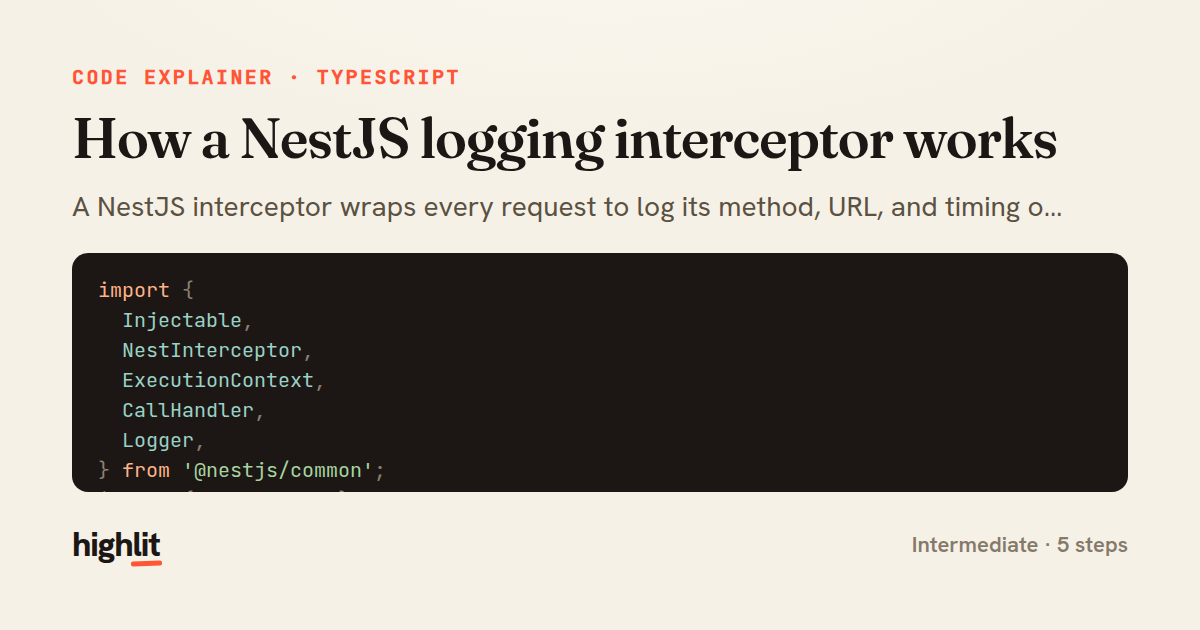
A NestJS interceptor wraps every request to log its method, URL, and timing on both success and failure.
Explained by
highlit
1import {
2 Injectable,
3 NestInterceptor,
4 ExecutionContext,
5 CallHandler,
6 Logger,
7} from '@nestjs/common';
8import { Observable } from 'rxjs';
9import { tap, catchError } from 'rxjs/operators';
10import { throwError } from 'rxjs';
11import { Request } from 'express';
12
13@Injectable()
14export class LoggingInterceptor implements NestInterceptor {
15 private readonly logger = new Logger(LoggingInterceptor.name);
16
17 intercept(context: ExecutionContext, next: CallHandler): Observable<unknown> {
18 const request = context.switchToHttp().getRequest<Request>();
19 const { method, url } = request;
20 const handler = context.getHandler().name;
21 const now = Date.now();
22
23 this.logger.log(`--> ${method} ${url} (${handler})`);
24
25 return next.handle().pipe(
26 tap(() => {
27 const elapsed = Date.now() - now;
28 this.logger.log(`<-- ${method} ${url} ${elapsed}ms`);
29 }),
30 catchError((error) => {
31 const elapsed = Date.now() - now;
32 this.logger.error(
33 `<-- ${method} ${url} ${elapsed}ms FAILED: ${error.message}`,
34 );
35 return throwError(() => error);
36 }),
37 );
38 }
39}
01 / 01
STEP 01
‹ swipe to step through ›
Walkthrough
Space play
←→ step
click any line
Three takeaways
- 1Interceptors sit around handler execution, letting you act before and after the response without touching the route logic.
- 2RxJS operators like tap and catchError let you observe the response stream for both success and error paths.
- 3Capturing a timestamp before next.handle() lets you measure elapsed time once the observable settles.
Related explainers
typescript
import { registerLocaleData } from '@angular/common';
import localeFr from '@angular/common/locales/fr';
import localeFrExtra from '@angular/common/locales/extra/fr';
import localeDe from '@angular/common/locales/de';
Locale-aware bootstrapping in Angular
i18n
localization
dependency-injection
Intermediate
8 steps
typescript
import { Module } from '@nestjs/common';
import { ConfigModule } from '@nestjs/config';
import * as Joi from 'joi';
Validating env config at boot in NestJS
configuration
schema-validation
environment-variables
Intermediate
8 steps
python
import time
import uuid

from django.utils.deprecation import MiddlewareMixin
Attaching per-request context in Django
middleware
request lifecycle
multi-tenancy
Intermediate
7 steps
typescript
import { Inject, Injectable, Logger } from '@nestjs/common';
import { CACHE_MANAGER } from '@nestjs/cache-manager';
import { Cache } from 'cache-manager';
import { InjectRepository } from '@nestjs/typeorm';
A cache-aside country lookup in NestJS
cache-aside
dependency-injection
batch-lookup
Intermediate
8 steps
typescript
import { Injectable, effect, signal, computed } from '@angular/core';

interface Preferences {
  theme: 'light' | 'dark';
A signal-based preferences store in Angular
signals
state-management
persistence
Intermediate
7 steps
typescript
import { useEffect, useState } from "react";

interface Section {
  id: string;
Building a scroll-spy hook in React
custom-hooks
intersectionobserver
dom-observation
Intermediate
8 steps
Share this explainer
Here's the card — post it anywhere.
Made with highlit — turn any snippet into a walkthrough like this in about a minute.
Explain your code
Embed this explainer
Drop the interactive walkthrough into a blog or docs. Views never cost a credit.
<iframe src="https://highlit.co/explainers/how-a-nestjs-logging-interceptor-works-explained-typescript-c0c4/embed?autoplay=1" width="100%" height="520" loading="lazy" style="border:0"></iframe>
Autoplay is on by default — add ?autoplay=0 to start paused.