rust
56 lines · 7 steps
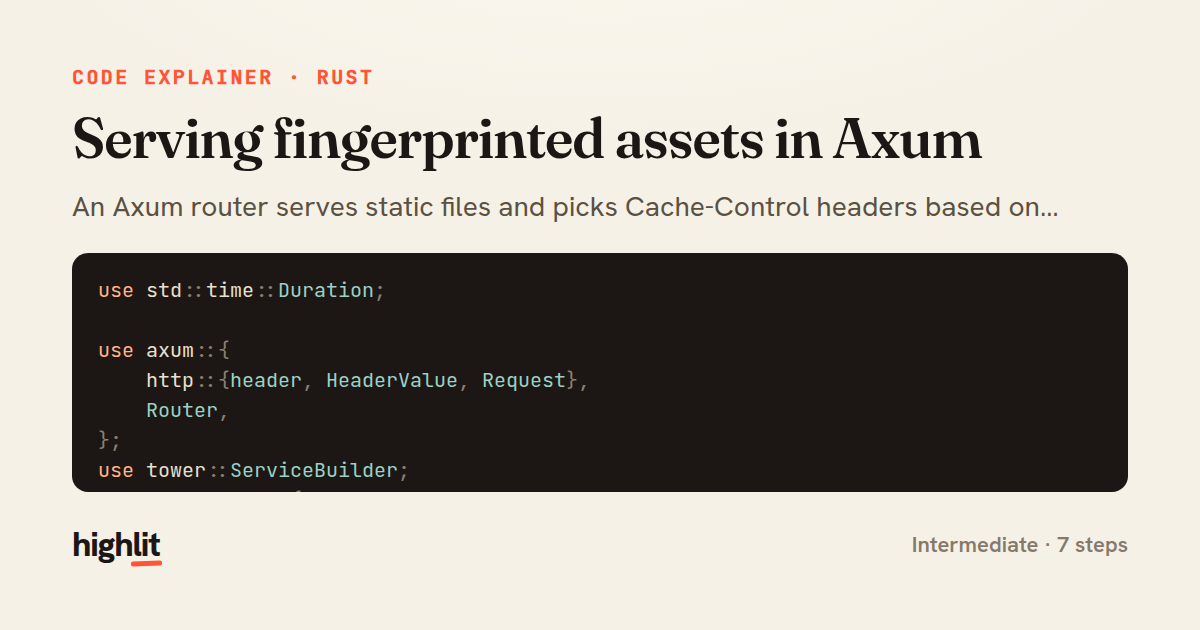
Serving fingerprinted assets in Axum
An Axum router serves static files and picks Cache-Control headers based on whether each filename carries a content hash.
Explained by
highlit
1use std::time::Duration;
2
3use axum::{
4 http::{header, HeaderValue, Request},
5 Router,
6};
7use tower::ServiceBuilder;
8use tower_http::{
9 services::ServeDir,
10 set_header::SetResponseHeaderLayer,
11};
12
13const IMMUTABLE_CACHE: &str = "public, max-age=31536000, immutable";
14
15fn is_fingerprinted(name: &str) -> bool {
16 name.rsplit_once('.')
17 .and_then(|(stem, _ext)| stem.rsplit_once('.'))
18 .map(|(_, hash)| {
19 hash.len() >= 8 && hash.chars().all(|c| c.is_ascii_hexdigit())
20 })
21 .unwrap_or(false)
22}
23
24pub fn assets_router() -> Router {
25 let serve_dir = ServeDir::new("dist/assets")
26 .precompressed_br()
27 .precompressed_gzip();
28
29 let cache_control = SetResponseHeaderLayer::overriding(
30 header::CACHE_CONTROL,
31 |req: &Request<_>| {
32 let path = req.uri().path();
33 let name = path.rsplit('/').next().unwrap_or(path);
34 if is_fingerprinted(name) {
35 Some(HeaderValue::from_static(IMMUTABLE_CACHE))
36 } else {
37 Some(HeaderValue::from_static("public, max-age=3600"))
38 }
39 },
40 );
41
42 let vary = SetResponseHeaderLayer::if_not_present(
43 header::VARY,
44 HeaderValue::from_static("Accept-Encoding"),
45 );
46
47 Router::new().nest_service(
48 "/assets",
49 ServiceBuilder::new()
50 .layer(cache_control)
51 .layer(vary)
52 .service(serve_dir),
53 )
54}
55
56fn _unused_hint(_d: Duration) {}
01 / 01
STEP 01
‹ swipe to step through ›
Walkthrough
Space play
←→ step
click any line
Three takeaways
- 1Fingerprinted filenames let you cache assets forever because a content change produces a new URL.
- 2Tower's layers let you attach response-header logic around a file-serving service declaratively.
- 3Deriving cache policy from the request path keeps caching correct without a manifest or config file.
Related explainers
rust
use serde::Deserialize;

#[derive(Debug, Deserialize)]
#[serde(untagged)]
Parsing flexible JSON shapes with serde
deserialization
enums
json
Intermediate
6 steps
rust
use std::cmp::{Ordering, Reverse};
use std::collections::BinaryHeap;
use std::fs::File;
use std::io::{self, BufRead, BufReader, BufWriter, Lines, Write};
K-way merge of sorted logs in Rust
binary-heap
k-way-merge
streaming-io
Intermediate
8 steps
python
import time
import uuid

from django.utils.deprecation import MiddlewareMixin
Attaching per-request context in Django
middleware
request lifecycle
multi-tenancy
Intermediate
7 steps
go
package api

import (
	"crypto/sha256"
ETag conditional requests in Gin
http-caching
etag
conditional-requests
Intermediate
6 steps
rust
use axum::{
    extract::{Path, State},
    response::sse::{Event, KeepAlive, Sse},
};
Streaming import progress with SSE in Axum
server-sent-events
streams
watch-channel
Advanced
7 steps
rust
use std::f64::consts::PI;

#[derive(Debug, Clone, Copy)]
pub struct LatLng {
Building geographic bounding boxes in Rust
geospatial
value-types
option
Intermediate
7 steps
Share this explainer
Here's the card — post it anywhere.
Made with highlit — turn any snippet into a walkthrough like this in about a minute.
Explain your code
Embed this explainer
Drop the interactive walkthrough into a blog or docs. Views never cost a credit.
<iframe src="https://highlit.co/explainers/serving-fingerprinted-assets-in-axum-explained-rust-a792/embed?autoplay=1" width="100%" height="520" loading="lazy" style="border:0"></iframe>
Autoplay is on by default — add ?autoplay=0 to start paused.