python
30 lines · 4 steps
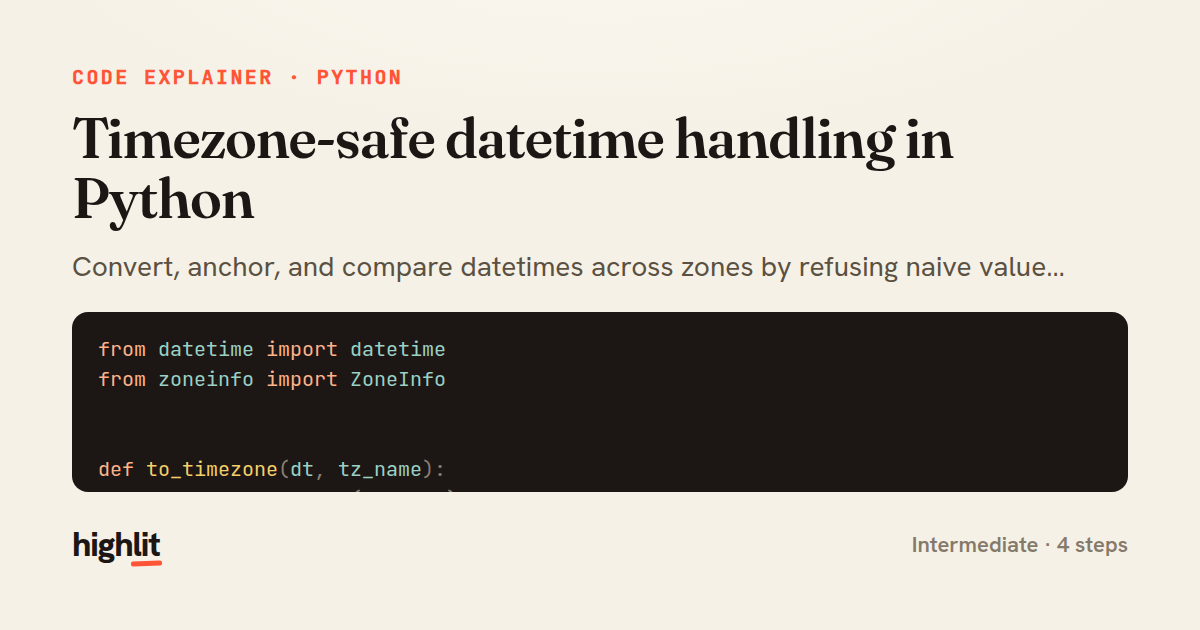
Timezone-safe datetime handling in Python
Convert, anchor, and compare datetimes across zones by refusing naive values and using zoneinfo as the source of truth.
Explained by
highlit
1from datetime import datetime
2from zoneinfo import ZoneInfo
3
4
5def to_timezone(dt, tz_name):
6 target = ZoneInfo(tz_name)
7 if dt.tzinfo is None:
8 raise ValueError("naive datetimes are ambiguous; attach a tzinfo first")
9 return dt.astimezone(target)
10
11
12def parse_utc(iso_string):
13 dt = datetime.fromisoformat(iso_string)
14 if dt.tzinfo is None:
15 return dt.replace(tzinfo=ZoneInfo("UTC"))
16 return dt.astimezone(ZoneInfo("UTC"))
17
18
19def schedule_across_zones(iso_string, zones):
20 moment = parse_utc(iso_string)
21 return {
22 zone: to_timezone(moment, zone).strftime("%Y-%m-%d %H:%M %Z%z")
23 for zone in zones
24 }
25
26
27def local_business_hours(iso_string, tz_name, open_hour=9, close_hour=17):
28 local = to_timezone(parse_utc(iso_string), tz_name)
29 is_weekday = local.weekday() < 5
30 return is_weekday and open_hour <= local.hour < close_hour
01 / 01
STEP 01
‹ swipe to step through ›
Walkthrough
Space play
←→ step
click any line
Three takeaways
- 1Rejecting naive datetimes early prevents silent, hard-to-trace timezone bugs downstream.
- 2Normalizing everything to UTC gives you one canonical anchor before converting to display zones.
- 3Python's zoneinfo handles DST correctly, so aware conversions stay accurate across dates.
Related explainers
php
<?php

class NameParser
{
Parsing a full name into components in PHP
string-parsing
arrays
normalization
Intermediate
8 steps
python
from fastapi import FastAPI, WebSocket, WebSocketDisconnect

app = FastAPI()
Building a WebSocket chat with FastAPI
websockets
broadcast
connection-management
Intermediate
9 steps
php
<?php

namespace App\Services\Checkout;
Validating coupons with Laravel's Pipeline
pipeline
chain of responsibility
transactions
Intermediate
7 steps
python
import time
import uuid

from django.utils.deprecation import MiddlewareMixin
Attaching per-request context in Django
middleware
request lifecycle
multi-tenancy
Intermediate
7 steps
php
<?php

namespace App\Services;
How a password strength validator works in PHP
validation
regular-expressions
data-driven
Intermediate
8 steps
python
import random
from typing import Iterator, List
How reservoir sampling picks k items
reservoir-sampling
streaming
randomness
Intermediate
5 steps
Share this explainer
Here's the card — post it anywhere.
Made with highlit — turn any snippet into a walkthrough like this in about a minute.
Explain your code
Embed this explainer
Drop the interactive walkthrough into a blog or docs. Views never cost a credit.
<iframe src="https://highlit.co/explainers/timezone-safe-datetime-handling-in-python-explained-python-8a3c/embed?autoplay=1" width="100%" height="520" loading="lazy" style="border:0"></iframe>
Autoplay is on by default — add ?autoplay=0 to start paused.