javascript
45 lines · 9 steps
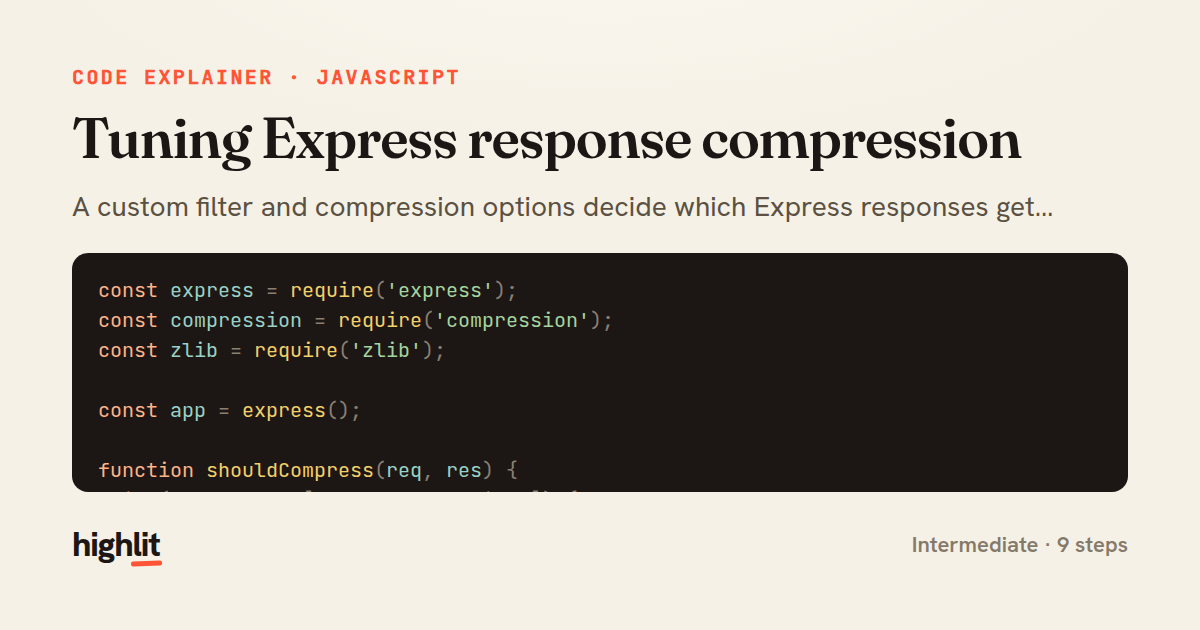
Tuning Express response compression
A custom filter and compression options decide which Express responses get gzipped and how aggressively.
Explained by
highlit
1const express = require('express');
2const compression = require('compression');
3const zlib = require('zlib');
4
5const app = express();
6
7function shouldCompress(req, res) {
8 if (req.headers['x-no-compression']) {
9 return false;
10 }
11
12 const type = res.getHeader('Content-Type') || '';
13 if (/^(image|video|audio)\//.test(type) || /\bgzip\b/.test(type)) {
14 return false;
15 }
16
17 return compression.filter(req, res);
18}
19
20app.use(
21 compression({
22 filter: shouldCompress,
23 threshold: 1024,
24 level: zlib.constants.Z_BEST_SPEED,
25 memLevel: 8,
26 })
27);
28
29app.get('/api/report', (req, res) => {
30 const rows = Array.from({ length: 5000 }, (_, i) => ({
31 id: i,
32 label: `item-${i}`,
33 value: Math.round(Math.random() * 1000),
34 }));
35
36 res.type('application/json');
37 res.json({ generatedAt: new Date().toISOString(), rows });
38});
39
40app.get('/api/ping', (req, res) => {
41 res.set('x-no-compression', '1');
42 res.type('text/plain').send('pong');
43});
44
45module.exports = app;
01 / 01
STEP 01
‹ swipe to step through ›
Walkthrough
Space play
←→ step
click any line
Three takeaways
- 1A custom filter lets you skip compression for already-compressed or tiny payloads instead of wasting CPU on them.
- 2Compression options like level and threshold trade CPU time against bandwidth savings.
- 3Requests can opt out of compression by signalling intent through a header your filter checks.
Related explainers
python
import time
import uuid

from django.utils.deprecation import MiddlewareMixin
Attaching per-request context in Django
middleware
request lifecycle
multi-tenancy
Intermediate
7 steps
javascript
function evaluate(expression) {
  const tokens = tokenize(expression);
  let pos = 0;
Building a recursive descent calculator
parsing
recursion
operator-precedence
Intermediate
8 steps
javascript
import { useState, useEffect, useCallback, useRef } from 'react';

const cache = new Map();
const inflight = new Map();
Building a stale-while-revalidate hook in React
caching
request-deduplication
custom-hooks
Advanced
10 steps
python
import random
from typing import Iterator, List
How reservoir sampling picks k items
reservoir-sampling
streaming
randomness
Intermediate
5 steps
java
public static Map<String, String> parseCookieHeader(String header) {
    Map<String, String> cookies = new LinkedHashMap<>();
    if (header == null || header.isBlank()) {
        return cookies;
Parsing an HTTP Cookie header in Java
string-parsing
http
url-decoding
Intermediate
6 steps
javascript
import { useEffect, useRef, useState } from 'react';

export function useDelayedFlag(active, delay = 300) {
  const [visible, setVisible] = useState(false);
Delaying a loading spinner with a React hook
custom-hooks
debouncing
cleanup
Intermediate
8 steps
Share this explainer
Here's the card — post it anywhere.
Made with highlit — turn any snippet into a walkthrough like this in about a minute.
Explain your code
Embed this explainer
Drop the interactive walkthrough into a blog or docs. Views never cost a credit.
<iframe src="https://highlit.co/explainers/tuning-express-response-compression-explained-javascript-8e8a/embed?autoplay=1" width="100%" height="520" loading="lazy" style="border:0"></iframe>
Autoplay is on by default — add ?autoplay=0 to start paused.