php
40 lines · 8 steps
Handling avatar uploads in Laravel
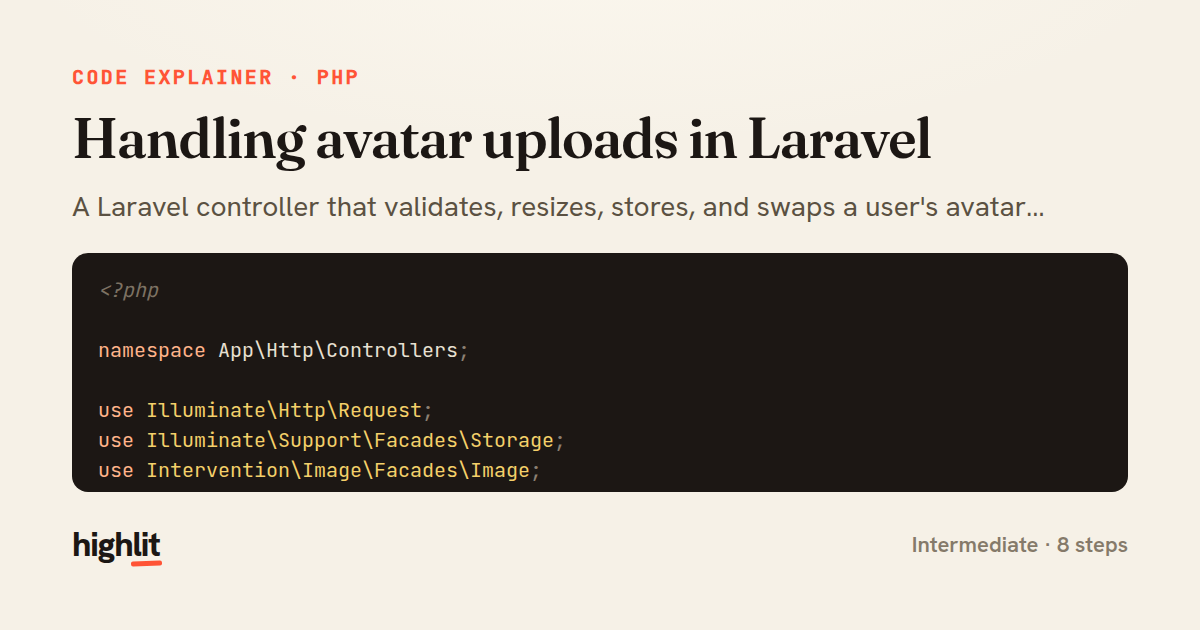
A Laravel controller that validates, resizes, stores, and swaps a user's avatar image in one request.
Explained by
highlit
1<?php
2
3namespace App\Http\Controllers;
4
5use Illuminate\Http\Request;
6use Illuminate\Support\Facades\Storage;
7use Intervention\Image\Facades\Image;
8
9class AvatarController extends Controller
10{
11 public function update(Request $request)
12 {
13 $validated = $request->validate([
14 'avatar' => ['required', 'image', 'mimes:jpeg,png,webp', 'max:4096'],
15 ]);
16
17 $user = $request->user();
18
19 $resized = Image::make($validated['avatar'])
20 ->fit(256, 256)
21 ->encode('webp', 85);
22
23 $path = sprintf('avatars/%s/%s.webp', $user->id, bin2hex(random_bytes(8)));
24
25 Storage::disk('public')->put($path, (string) $resized, [
26 'visibility' => 'public',
27 'CacheControl' => 'max-age=31536000',
28 ]);
29
30 if ($user->avatar_path) {
31 Storage::disk('public')->delete($user->avatar_path);
32 }
33
34 $user->update(['avatar_path' => $path]);
35
36 return response()->json([
37 'avatar_url' => Storage::disk('public')->url($path),
38 ]);
39 }
40}
01 / 01
STEP 01
‹ swipe to step through ›
Walkthrough
Space play
←→ step
click any line
Three takeaways
- 1Validate uploads tightly by type, mime, and size before touching the filesystem.
- 2Normalizing images to a fixed size and format keeps storage predictable and cacheable.
- 3Write the new file first and delete the old one only after, so a failure never leaves a user without an avatar.
Related explainers
php
<?php

class NameParser
{
Parsing a full name into components in PHP
string-parsing
arrays
normalization
Intermediate
8 steps
php
<?php

namespace App\Services\Checkout;
Validating coupons with Laravel's Pipeline
pipeline
chain of responsibility
transactions
Intermediate
7 steps
php
<?php

namespace App\Services;
How a password strength validator works in PHP
validation
regular-expressions
data-driven
Intermediate
8 steps
php
<?php

namespace App\Services;
Building a cached daily leaderboard in Laravel
caching
aggregation
eager-loading
Intermediate
9 steps
rust
use chrono::{Duration, NaiveDate};

#[derive(Debug)]
pub struct DateRange {
Parsing and iterating date ranges in Rust
error-handling
iterators
parsing
Intermediate
7 steps
php
<?php

final class RotatingFileLogger
{
How a rotating file logger works in PHP
logging
file-rotation
io
Intermediate
9 steps
Share this explainer
Here's the card — post it anywhere.
Made with highlit — turn any snippet into a walkthrough like this in about a minute.
Explain your code
Embed this explainer
Drop the interactive walkthrough into a blog or docs. Views never cost a credit.
<iframe src="https://highlit.co/explainers/handling-avatar-uploads-in-laravel-explained-php-fd82/embed?autoplay=1" width="100%" height="520" loading="lazy" style="border:0"></iframe>
Autoplay is on by default — add ?autoplay=0 to start paused.