typescript
48 lines · 8 steps
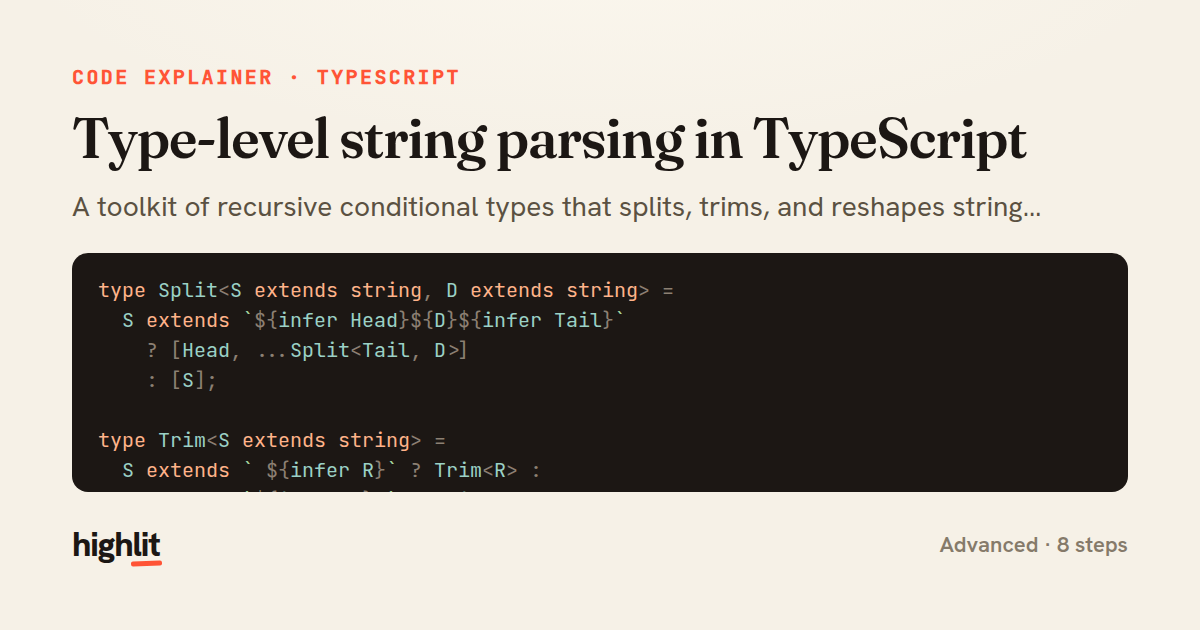
Type-level string parsing in TypeScript
A toolkit of recursive conditional types that splits, trims, and reshapes string literals entirely at the type level.
Explained by
highlit
1type Split<S extends string, D extends string> =
2 S extends `${infer Head}${D}${infer Tail}`
3 ? [Head, ...Split<Tail, D>]
4 : [S];
5
6type Trim<S extends string> =
7 S extends ` ${infer R}` ? Trim<R> :
8 S extends `${infer L} ` ? Trim<L> :
9 S;
10
11type ExtractParams<Path extends string> =
12 Path extends `${string}:${infer Param}/${infer Rest}`
13 ? Param | ExtractParams<`/${Rest}`>
14 : Path extends `${string}:${infer Param}`
15 ? Param
16 : never;
17
18type RouteParams<Path extends string> = {
19 [K in ExtractParams<Path>]: string;
20};
21
22type Capitalize<S extends string> =
23 S extends `${infer First}${infer Rest}`
24 ? `${Uppercase<First>}${Rest}`
25 : S;
26
27type CamelCase<S extends string> =
28 S extends `${infer Head}_${infer Tail}`
29 ? `${Head}${Capitalize<CamelCase<Tail>>}`
30 : S;
31
32type CamelKeys<T> = {
33 [K in keyof T as K extends string ? CamelCase<K> : K]: T[K];
34};
35
36type HexColor = `#${string}`;
37type HttpMethod = "GET" | "POST" | "PUT" | "DELETE";
38type Endpoint = `${HttpMethod} /${string}`;
39
40export type {
41 Split,
42 Trim,
43 RouteParams,
44 CamelCase,
45 CamelKeys,
46 HexColor,
47 Endpoint,
48};
01 / 01
STEP 01
‹ swipe to step through ›
Walkthrough
Space play
←→ step
click any line
Three takeaways
- 1Template literal patterns with `infer` let you destructure strings into pieces the type checker can manipulate.
- 2Recursion plus a base case is how type-level computation iterates over a string until nothing matches.
- 3Key remapping in mapped types can transform property names while preserving their value types.
Related explainers
typescript
import { registerLocaleData } from '@angular/common';
import localeFr from '@angular/common/locales/fr';
import localeFrExtra from '@angular/common/locales/extra/fr';
import localeDe from '@angular/common/locales/de';
Locale-aware bootstrapping in Angular
i18n
localization
dependency-injection
Intermediate
8 steps
typescript
import { Module } from '@nestjs/common';
import { ConfigModule } from '@nestjs/config';
import * as Joi from 'joi';
Validating env config at boot in NestJS
configuration
schema-validation
environment-variables
Intermediate
8 steps
typescript
import { Inject, Injectable, Logger } from '@nestjs/common';
import { CACHE_MANAGER } from '@nestjs/cache-manager';
import { Cache } from 'cache-manager';
import { InjectRepository } from '@nestjs/typeorm';
A cache-aside country lookup in NestJS
cache-aside
dependency-injection
batch-lookup
Intermediate
8 steps
typescript
import { Injectable, effect, signal, computed } from '@angular/core';

interface Preferences {
  theme: 'light' | 'dark';
A signal-based preferences store in Angular
signals
state-management
persistence
Intermediate
7 steps
typescript
import { useEffect, useState } from "react";

interface Section {
  id: string;
Building a scroll-spy hook in React
custom-hooks
intersectionobserver
dom-observation
Intermediate
8 steps
typescript
import { Injectable, Scope, Inject, NotFoundException } from '@nestjs/common';
import { REQUEST } from '@nestjs/core';
import { Request } from 'express';
import { DataSource } from 'typeorm';
Per-tenant database connections in NestJS
multi-tenancy
connection-pooling
dependency-injection
Advanced
8 steps
Share this explainer
Here's the card — post it anywhere.
Made with highlit — turn any snippet into a walkthrough like this in about a minute.
Explain your code
Embed this explainer
Drop the interactive walkthrough into a blog or docs. Views never cost a credit.
<iframe src="https://highlit.co/explainers/type-level-string-parsing-in-typescript-explained-typescript-d4ed/embed?autoplay=1" width="100%" height="520" loading="lazy" style="border:0"></iframe>
Autoplay is on by default — add ?autoplay=0 to start paused.